I have been running Alphinex Solutions, a remote software company based in Islamabad, since 2017. For most of that time, our team has worked with clients who are thousands of kilometers away, in time zones where our working day is their night. We built products, we billed by the hour, and we paid a team of developers, designers and contractors from those same hours.
For years, the part of the business that caused the most friction was not the code. It was time: recording it, proving it, billing it and paying for it. I remember one invoice in particular. A long-standing client in the US went through it line by line and asked what 40 hours of "backend fixes" had actually produced. The work was real, but the hours had been typed in from memory on a Friday. Some were logged against the wrong task, and most of one day was missing because the tracker lost its connection during a power cut. We spent more time rebuilding that week from commit logs and chat messages than the disputed hours were worth, and we wrote off part of the invoice anyway. That was when I stopped treating time tracking as admin and started treating it as a problem worth solving.
We tried the well-known tools. Each solved part of the problem and created another. So we built StaffVertex, first for ourselves and then for teams like ours. These are the five lessons that shaped it.
Lesson 1: For a service business, the hours are the product
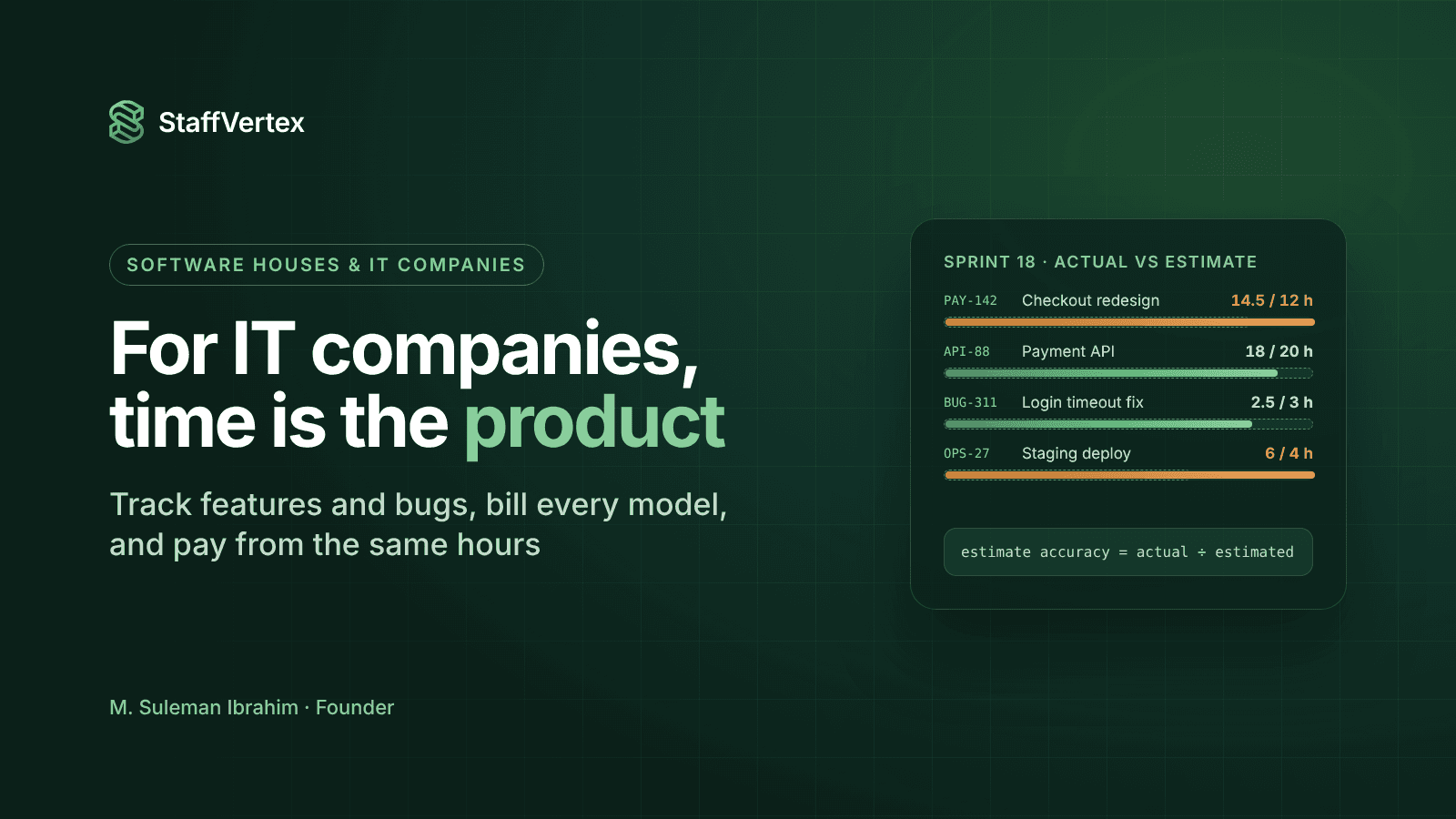
In a software house, you do not sell code by the kilo. You sell time: a developer's week, a designer's sprint, a team's month. Every margin conversation comes back to how many hours were really spent and on what.
That changed how we thought about tracking. It was not an admin task to be done on Friday; it was the raw material for quoting, billing, paying and improving. When hours were entered from memory at the end of the week, small tasks disappeared, estimates never improved, and we could not explain our own invoices with confidence.
One fixed-price project made this painfully clear. We quoted a client portal at 300 hours. Once we tracked every hour against tasks, the real figure came out at nearly 420. Most of the overrun sat in small things nobody had estimated: QA rounds, client calls and deployment fixes. We absorbed the loss. The next time we quoted something similar, we used the tracked data and priced it correctly.
So the first principle of StaffVertex was simple: make tracking in real time effortless. A timer that lives in the system tray, starts with a click or a keyboard shortcut, and ties every hour to a real task on a board.
Lesson 2: The internet will go down, so the tracker cannot
If you run a team in Pakistan, you plan around load-shedding and unstable connections. Laptops switch to battery, routers restart, mobile data drops. Most time trackers we used treated the server as the only place time could exist, so an outage meant missing hours and a conversation nobody enjoyed.
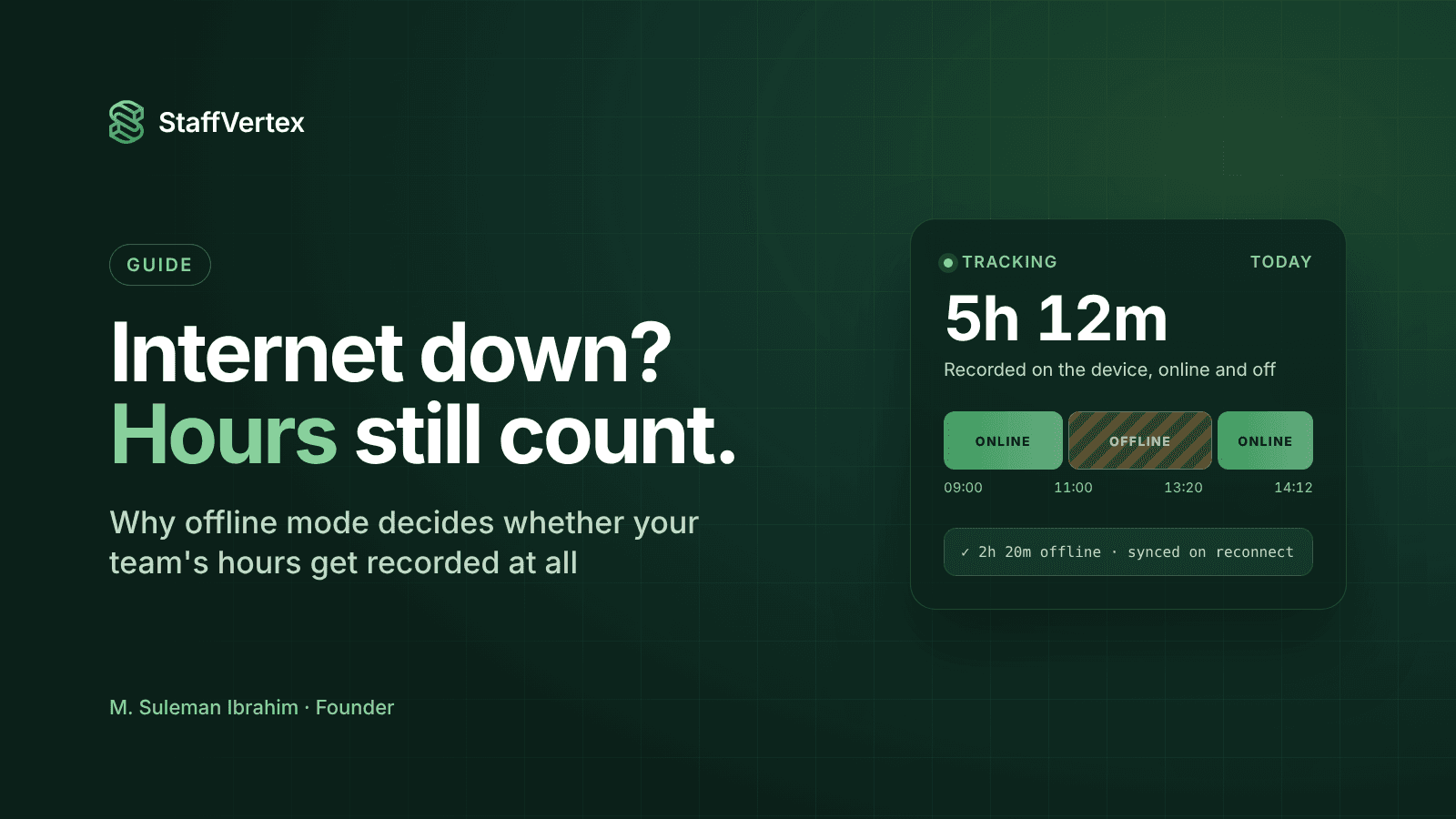
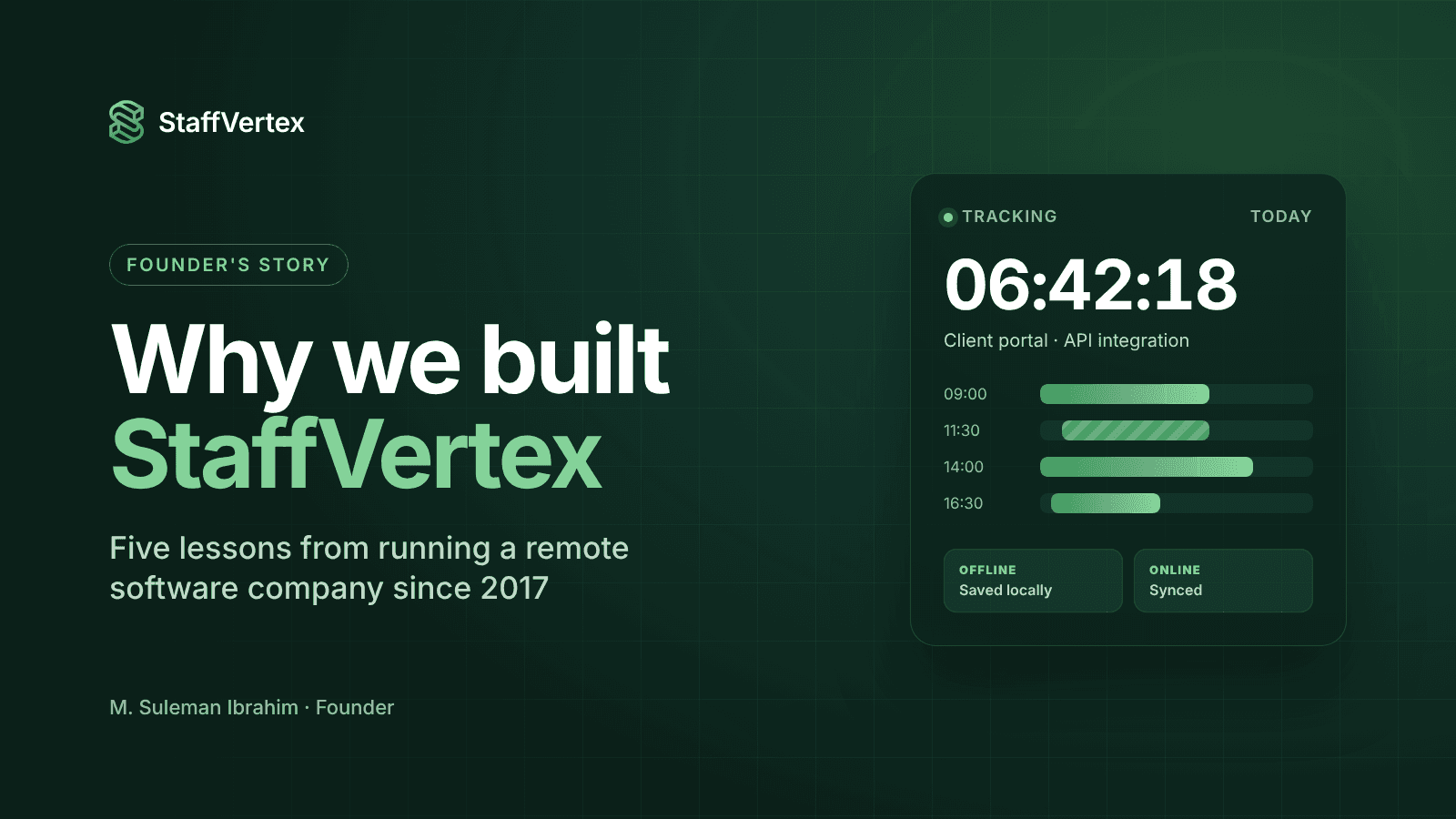
We decided early that StaffVertex had to work offline properly, not as a checkbox. That meant a native desktop app that keeps counting without a connection, saves time locally as it goes, and syncs automatically when the connection returns.
It also meant solving a harder problem we had not expected: when you are offline, the only clock you have is the computer's, and computer clocks drift, jump and can be changed. We ended up measuring durations with the operating system's monotonic clock and anchoring sessions to server time, so offline hours are as trustworthy as online ones. (I have written about that engineering separately.)
The design was tested for real during a client release week. A long power cut took out our office internet for most of an afternoon. Developers kept working on laptops and mobile hotspots, and some had no connection at all. When the connection came back, every hour synced on its own. Nobody had to rebuild their day from memory, and the client invoice matched the work exactly.
Lesson 3: Clients want proof, people want respect, and you need both
Foreign clients sometimes asked us for evidence that billed hours were worked. That is a fair request when someone is paying for a team they never meet. At the same time, our own developers did not want to feel watched, and the best people have options.
Most tools force you to pick a side: heavy monitoring that treats everyone as a suspect, or none at all. We wanted a middle path:
Screenshots are optional and off by default. You turn them on where a client or contract needs them, with blur controls and a notification to the person.
Idle time belongs to the person who was idle. When someone steps away, StaffVertex asks them whether it was work or a break instead of silently deleting it. Thinking, reading and calls are work.
Hours tie to tasks, so the most convincing proof is the work itself, not a screenshot.
One client began by asking for screenshots every ten minutes. After a few weeks of task-level reports, they could see exactly what each hour produced. They asked us to turn screenshots off. The detailed task data gave them more confidence than the pictures ever had, and our developers were much happier.
Lesson 4: Invoices and payroll must come from one record
For years, our client invoices and our team's pay were built separately. Hours went into one spreadsheet for billing and another for payroll, at different times and by different people. Inevitably, they drifted. A late entry would be paid but never billed, or a rate change would reach one sheet and not the other.
The fix was structural. In StaffVertex, every hour is recorded once and carries two rates: the project's bill rate for the client and the person's pay rate for the team. When a pay cycle closes, weekly, bi-weekly, monthly or annually, the same approved hours produce the client invoice and each member's payslip.
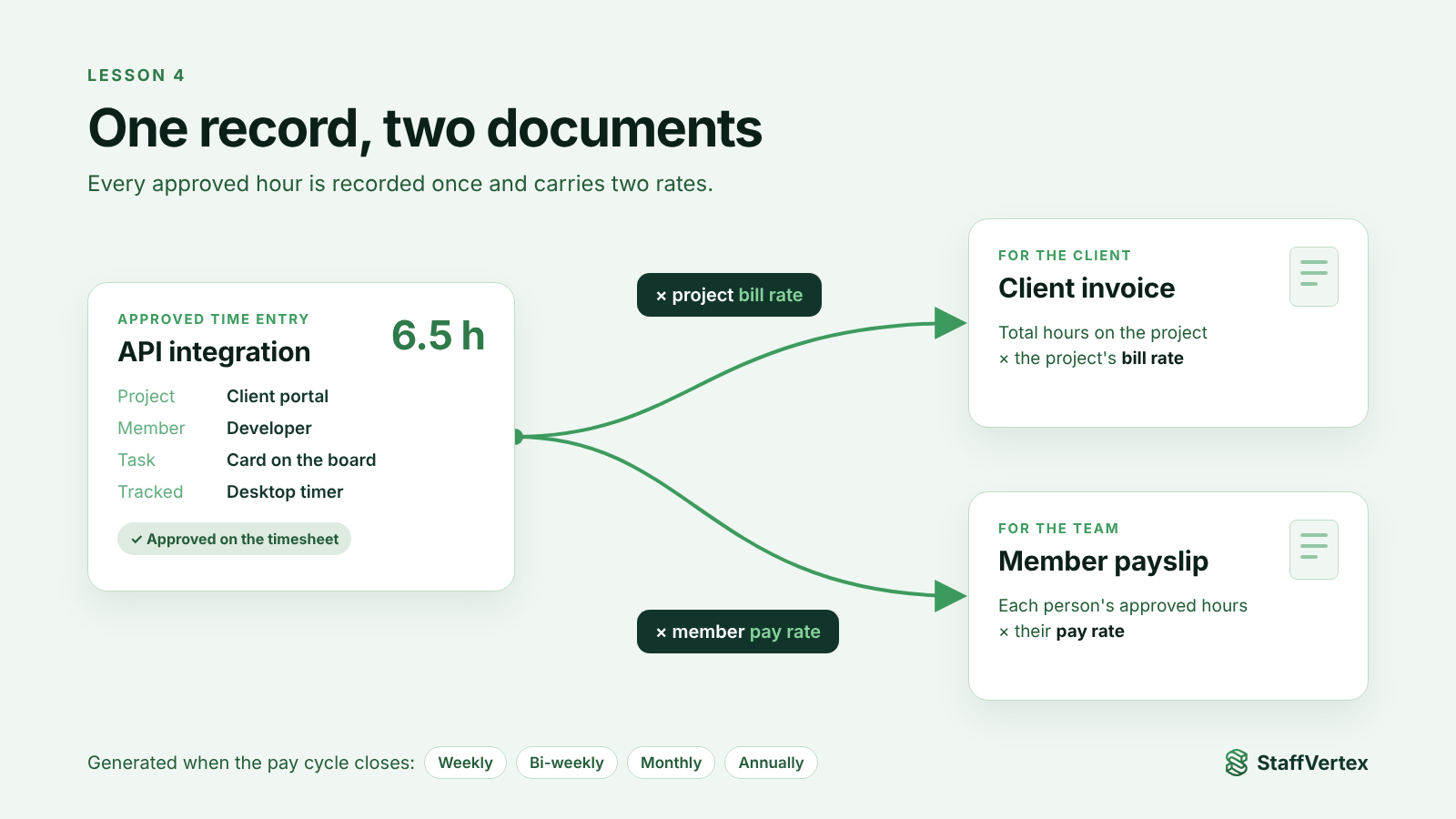
That single change removed a whole category of mistakes and arguments. When a client or a team member asks a question, there is one record to look at.
Before, closing a month took us around two days. We merged spreadsheets, chased missing hours and checked that invoices matched payroll. Now the pay cycle closes, we review the approved hours, and the invoices and payslips are ready. The process takes less than an hour, and the two always agree.
Lesson 5: Price for the teams who need it most
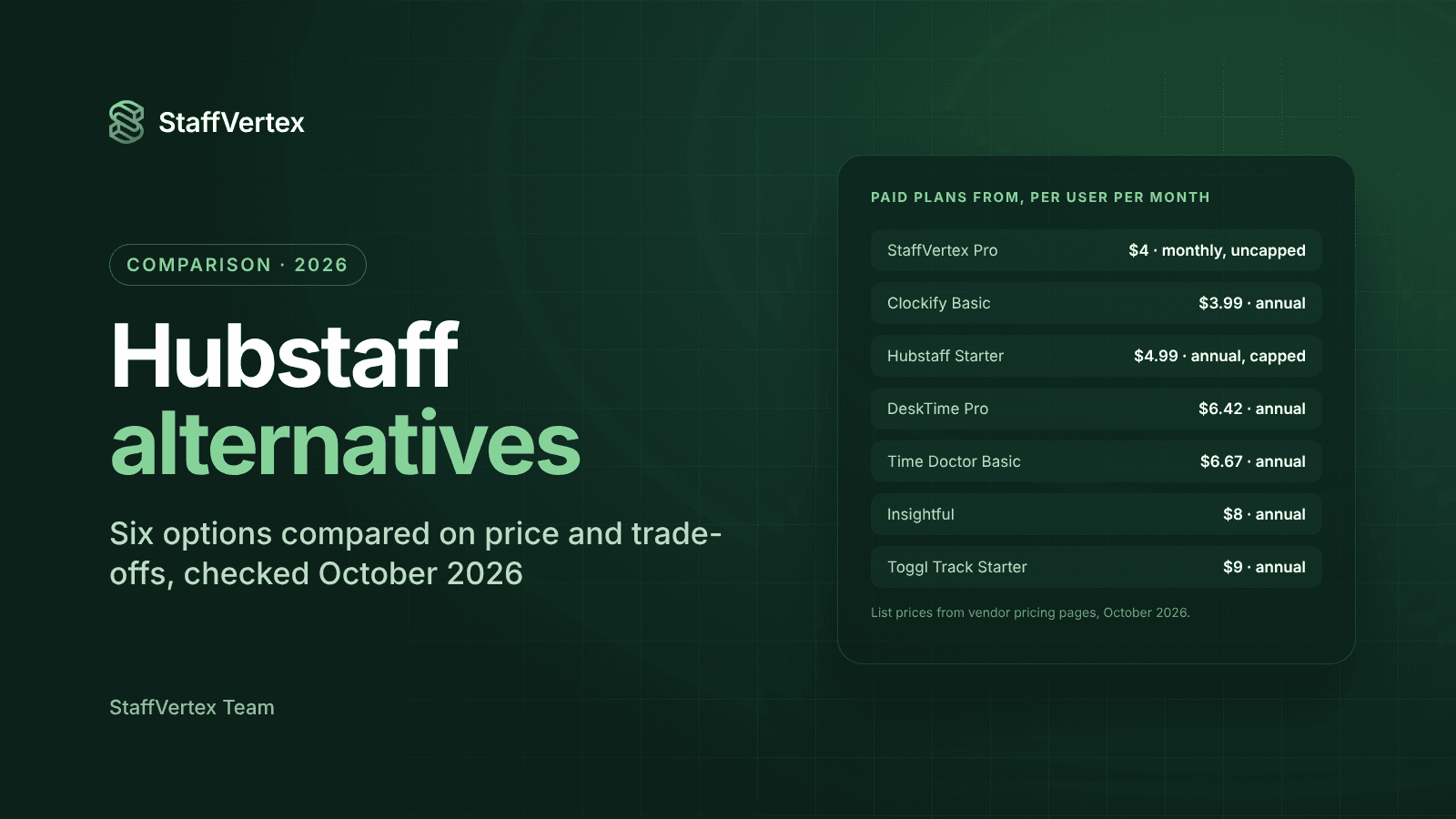
The teams that feel these problems hardest are small and mid-size service companies, many of them in markets where every dollar per seat matters. When we priced StaffVertex, we looked closely at the established tools and noticed a pattern: an attractive entry price, then usage caps, paywalled features and add-ons that pushed real costs much higher.
We chose the opposite approach:
A free plan for one person, with offline tracking and screenshots included.
Pro at $4 per seat per month with activity monitoring, unlimited projects and tasks, and no screenshot quotas.
Business at $9 per seat per month with invoices and payslips built in.
No add-ons. What you see on the pricing page is what you pay, with 17% off for annual billing.
We worked out the lowest price at which we could run StaffVertex sustainably and support customers properly, and priced as close to it as we responsibly could.
This matters to me personally. Many of the teams I know in Pakistan, and in similar markets, pay their teams in local currency but see software prices set for Silicon Valley budgets. I want a 10-person software house in Islamabad to have the same tools as a team in New York, without the tool eating its margin.
What StaffVertex is today
StaffVertex is time tracking and project management for remote and hybrid teams that bill and pay by the hour:
A native desktop app for Windows and macOS, with a web dashboard for everything else.
Real-time tracking against boards, cards and task dependencies.
Offline tracking with tamper-resistant timing and automatic sync.
Idle prompts that respect the person, and optional, blurrable screenshots.
Timesheets, approvals and reports by project, person and client.
Automatic client invoices and team payslips from the same hours.
It is the tool we wished we had in 2017.
What's next
Here is what we are working on next:
Client-facing reports. Your clients will be able to see verified hours and task progress without you exporting a spreadsheet.
Built-in support. Live chat and ticketing will be inside StaffVertex, so help is one click away.
Deeper insights. You will get more ways to combine time and task data, so you can quote, staff and price projects with confidence.
Much of our roadmap comes from customers. If there is something you need, email support@staffvertex.com. We read every request.
An invitation
If you run a remote team, an agency, a software house or an outsourcing business, and time has been the most frustrating part of your operations, I would love for you to try StaffVertex. Start a free 14-day trial, no card required, and if something is missing, write to us at support@staffvertex.com. A real person replies, usually within one business day.