Software houses and IT service companies need a time tracker that does more than log hours. It has to tie time to tasks and features, support both time-and-materials and fixed-price projects, give foreign clients confidence in billed hours, feed payroll for developers and contractors, and stay out of the way of focused engineering work. StaffVertex is built for exactly that mix: task boards with dependencies, a lightweight desktop timer that works offline, optional proof-of-work screenshots, and automatic client invoices and developer payslips from the same hours.
For an IT company, time is the product. Whether you bill a client by the hour, quote a fixed price, or place a dedicated developer with a foreign team, the margin depends on knowing exactly where engineering time goes.
This guide explains how billing models shape what you need to track, what to measure in a development team, the features that matter, and how to roll tracking out to developers without disrupting their flow.
Why software houses need different time tracking
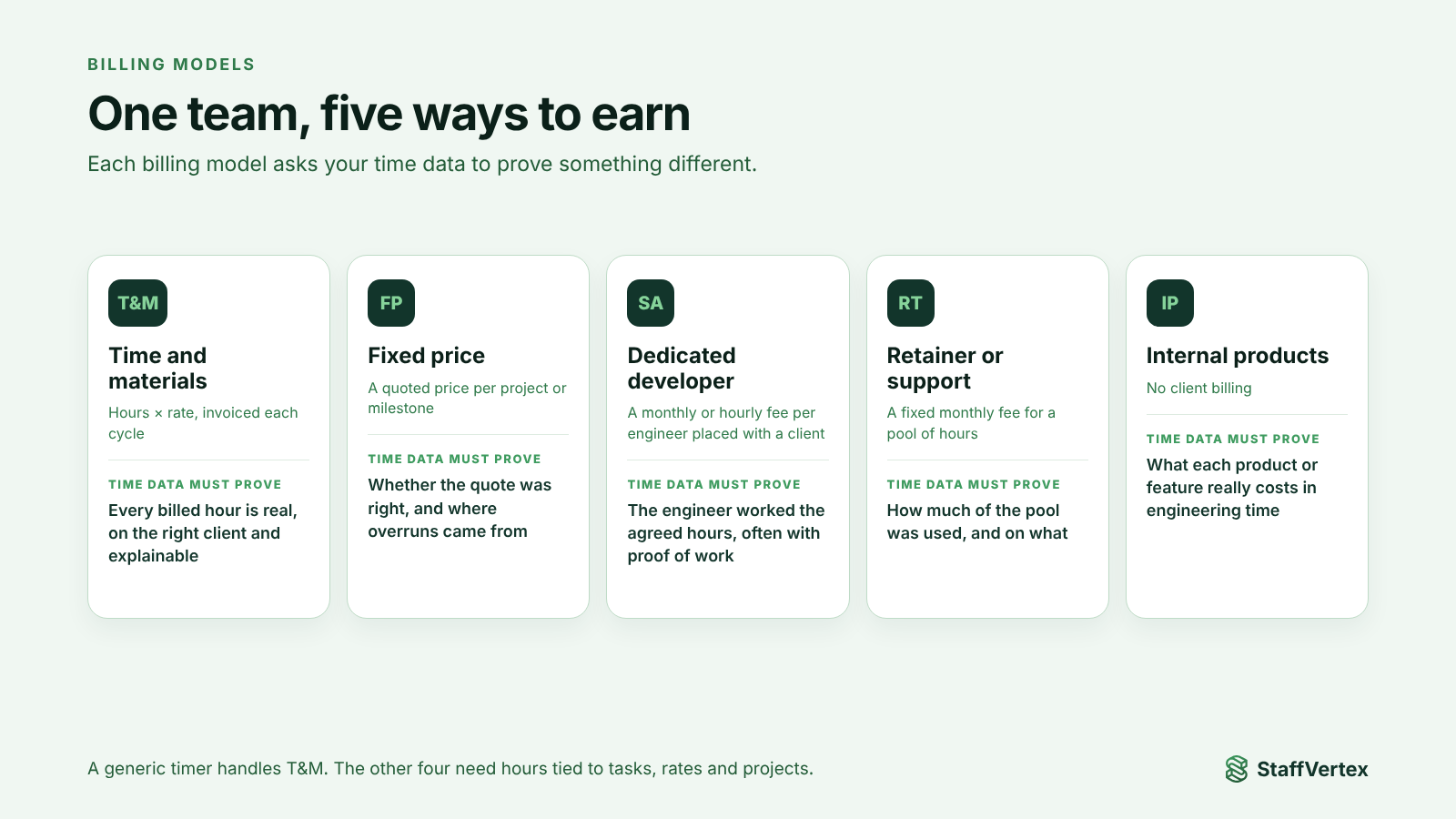
Most IT companies run several billing models at once, and each asks something different of your time data.
Billing model | How you earn | What time data must prove |
|---|---|---|
Time and materials (T&M) | Hours × rate, invoiced each cycle | Every billed hour is real, on the right client, and explainable |
Fixed price | A quoted price per project or milestone | Whether the quote was right, and where overruns came from |
Dedicated developer or staff augmentation | A monthly or hourly fee per engineer placed with a client | The engineer worked the agreed hours for that client, often with proof of work |
Retainer or support | A fixed monthly fee for a pool of hours | How much of the pool was used and on what |
Internal products | No client billing | How much engineering time each product or feature really costs |
A generic timer handles T&M reasonably well. It struggles with the rest: it cannot compare fixed-price effort against the quote, give an augmentation client confidence that their developer was working, or split one engineer's month across a retainer and a T&M project for both invoicing and payroll.
What to track in a development team
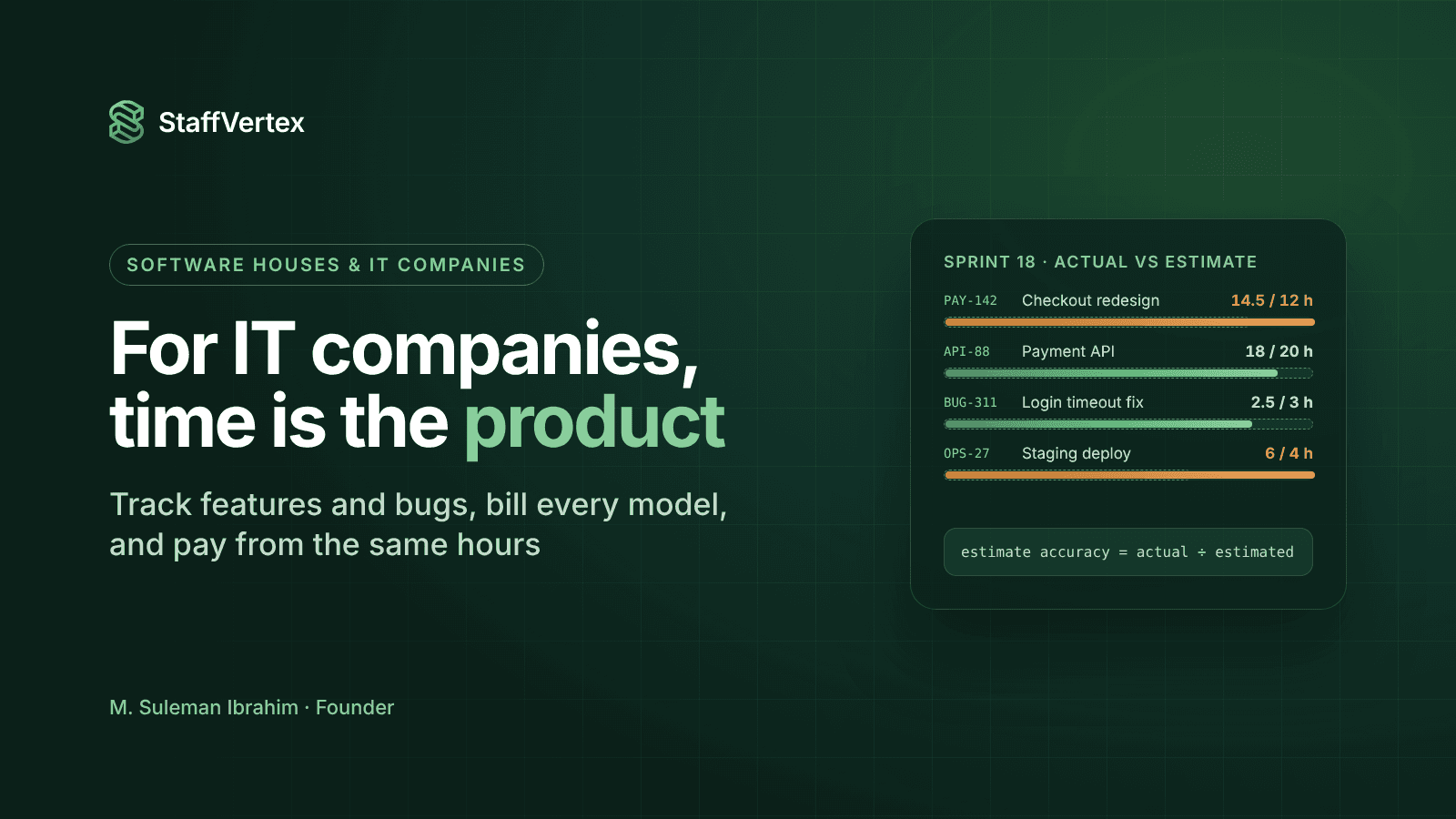
Track against work items, not just projects. Log time to the feature, user story or bug, so you can see what each piece of work really cost. That is the data that makes the next estimate better.
Separate the kinds of work. Useful task categories for a software house include:
Feature development
Bug fixing and support
Code review and QA
Meetings, stand-ups and client calls
DevOps, deployments and environment issues
Change requests outside the original scope
Mark billable and non-billable clearly. Internal refactoring, onboarding and pre-sales estimates are usually non-billable, but they still cost money and belong in your reports.
What not to track: keystroke counts, lines of code or minute-by-minute activity as measures of developer productivity. Engineering involves long stretches of reading, thinking and debugging with little input. Judge outcomes and estimate accuracy, not typing. Research programs such as DORA measure software teams by delivery outcomes, not activity.
Must-have features for IT companies
Need | Feature to look for |
|---|---|
Accurate hours from remote developers | A native desktop timer that runs in the tray, with a keyboard shortcut |
Developers on unstable internet or power | Offline tracking that syncs automatically |
Deep-focus work without false penalties | Idle detection that asks the developer instead of deleting time |
Time tied to features and bugs | Task boards with assignees, deadlines and dependencies |
Better estimates | Reports of actual hours per task and project to compare with estimates |
T&M and retainer billing | Project bill rates and automatic client invoices |
Fixed-price visibility | Tracking on fixed projects even when not invoiced by the hour |
Staff augmentation clients | Optional, blurrable screenshots and activity levels for proof of work |
Paying developers and contractors | Pay rates per person or project and automatic payslips |
Security and access | Custom roles and permissions so clients and managers see only what they should |
How StaffVertex fits software houses
StaffVertex is built by a software company for software companies, and it covers every row of the checklist above.
For developers
A native Windows and macOS desktop app that sits in the tray with a global shortcut, so starting the timer does not break concentration.
Offline tracking with a local buffer and tamper-resistant timing, so power cuts and dropped Wi-Fi never cost hours.
Idle prompts that let the developer decide whether debugging or reading time was work.
For project managers
Boards and cards for features and bugs, with assignees, deadlines and task dependencies, so blocked work is visible and every card carries its hours.
Reports by project, person and client, to compare actuals with estimates.
Projects marked as fixed or hourly, so you can track effort on fixed-price work without invoicing it by the hour.
For account managers and clients
Optional, blurrable screenshots and activity monitoring for staff augmentation clients who expect proof of work, enabled by an admin only where it is needed.
Custom roles and permissions to control who sees what.
For finance
Bill rates on hourly projects and automatic project invoices at the end of each cycle.
Pay rates per developer, falling back to the project's pay rate, and automatic payslips on weekly, bi-weekly, monthly or annual cycles.
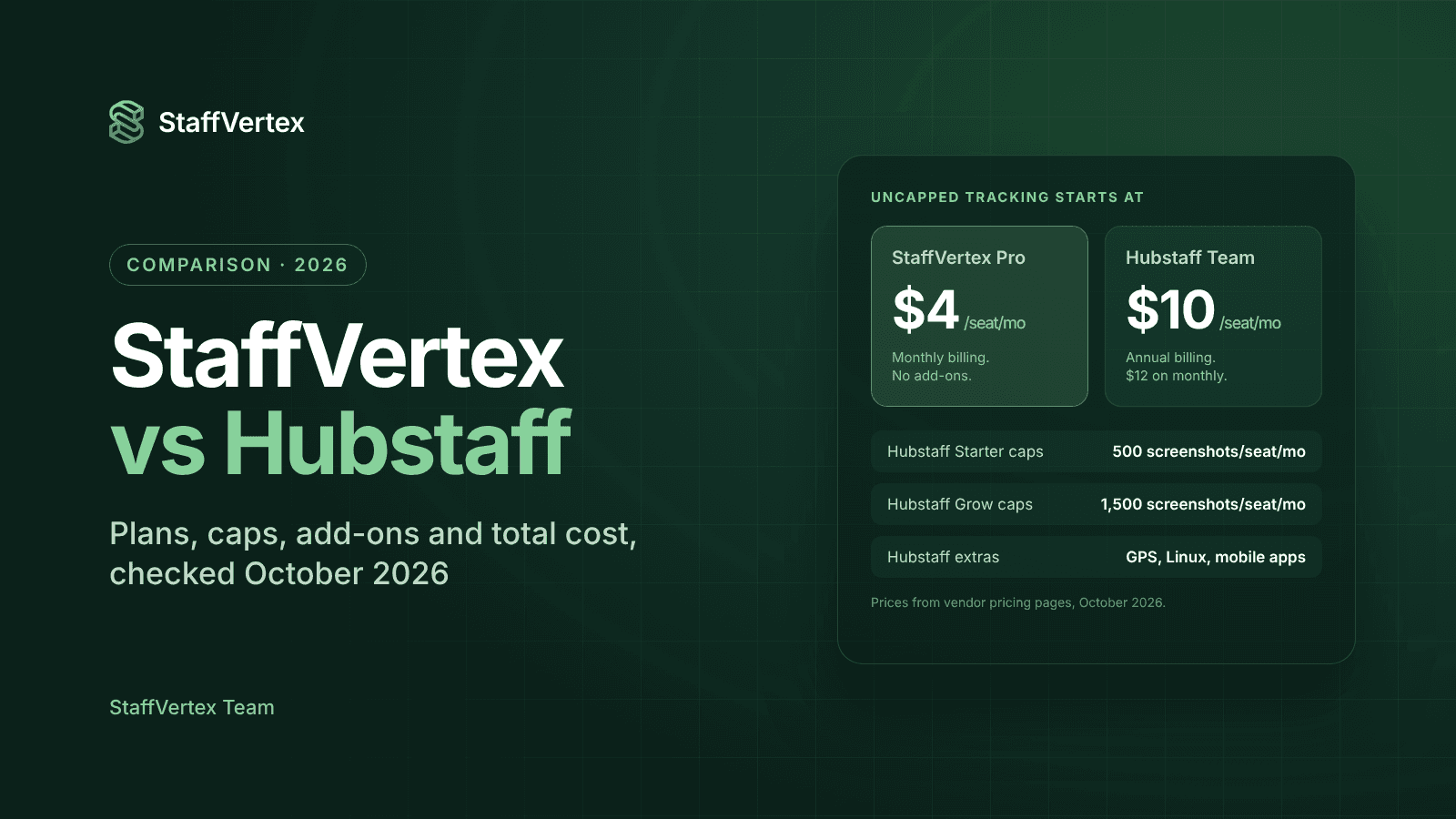
Pricing: Free for one user; Pro $4 and Business $9 per seat per month on monthly billing, with a further 17% off annually (pricing).
Worth knowing: if your team manages every ticket in Jira or GitHub, check StaffVertex's current integrations before switching. You can also mirror epics or sprints as StaffVertex projects and tasks.
Rolling it out to developers
Developers are quick to spot tooling that exists to watch them. A careful rollout makes the difference between accurate data and quiet resistance.
Lead with the why. Explain that time data improves estimates, protects the team from unpaid scope creep and makes payroll accurate. Engineers respond to better estimates.
Mirror your workflow. Create projects and tasks that match your sprints or milestones, so logging time takes one click on the task they are already working on.
Keep monitoring light by default. Enable screenshots only where a staff augmentation client requires them, and tell the developers involved in advance.
Let the timer run through deep work. Set a generous idle threshold and let developers confirm their own idle time.
Review estimates, not people. Use the first month's data to compare estimates with actuals in a retro, not to rank individuals.
Metrics that matter for software houses
Metric | What it tells you | Healthy direction |
|---|---|---|
Estimate accuracy (actual ÷ estimated hours) | How reliable your quotes are | Close to 1.0 and improving |
Billable utilization (billable ÷ total hours) | How much engineering time earns revenue | Stable at a level you plan for |
Effective hourly rate (revenue ÷ hours) on fixed projects | Whether fixed prices are profitable | At or above your target rate |
Unplanned work share (bugs and change requests ÷ total) | Scope creep and quality issues | Falling over time |
Non-billable meeting time | Process overhead | Low and deliberate |
Try StaffVertex with your team
Start a free 14-day StaffVertex trial, set up one client project and one sprint, and compare your estimates with real hours by the end of the week. No card is required.