Quick verdict on StaffVertex vs Hubstaff: choose StaffVertex if your team works mainly at computers and you want uncapped tracking, screenshots, project boards, invoices and payslips at a predictable price from $4 per seat. Choose Hubstaff if your team works in the field and needs GPS job sites, mobile apps, Linux support or a large integration library.
Both tools track time from a desktop app, capture activity and optional screenshots, and turn hours into timesheets. The difference is in how they package it. Hubstaff spreads features across five tiers and several add-ons, while StaffVertex keeps three simple plans with no add-ons.
This comparison is written by the StaffVertex team, so we have kept it factual and pointed out where Hubstaff is the better choice. Hubstaff figures come from its own pricing and support pages, checked in October 2026.
StaffVertex vs Hubstaff at a glance
StaffVertex | Hubstaff | |
|---|---|---|
Plans | Free, Pro, Business | Free, Starter, Grow, Team, Enterprise (plus Essentials offer) |
Paid plans from | $4/seat/mo (monthly billing) | $4.99/seat/mo annual, $7 monthly |
Seat minimum | None stated | 2 seats reported on paid plans |
Free plan | 1 user, offline tracking, screenshots | 1 seat, 100 screenshots/month |
Screenshot and app limits | No per-seat quotas | 500 (Starter) or 1,500 (Grow) per seat per month |
Add-ons | None | Insights, Tasks, Locations, Silent app, extra screenshots, data retention |
Desktop apps | Windows, macOS | Windows, macOS, Linux |
Mobile apps and GPS | No | Yes |
Built-in invoicing and payroll | Invoices and payslips on Business ($9) | Client invoices on all plans; payroll on Team ($10 annual) |
Free trial | 14 days, no card | 14 days, no card |
Time tracking and accuracy
Both tools are timer-based: a team member starts the timer against a project or task, and the desktop app records the time until they stop it.
Desktop apps. StaffVertex runs on Windows 10/11 and macOS 12+ and sits in the system tray with a global shortcut. Hubstaff covers Windows, macOS and Linux, plus Chrome, iOS and Android. If part of your team uses Linux or tracks from phones, Hubstaff has the wider reach.
Offline tracking. Both keep counting when the internet drops and sync later. StaffVertex includes this on every plan, including Free, and was built for teams with unreliable connections: the desktop app buffers time locally and reconciles it with the server when it reconnects.
Idle time. This is where the philosophies differ. Hubstaff adds an idle timeout from the Grow plan and can automatically discard idle time on Team. StaffVertex prompts the person when idle time is detected and asks whether to keep or discard it, so nobody's timesheet changes without them knowing.
Manual time. Both allow manual time entries for work done away from the computer. In StaffVertex this comes with Pro and Business.
Monitoring and privacy
Hubstaff is built around visibility, and StaffVertex treats monitoring as a setting you choose. Both can show activity levels and screenshots, but the limits and defaults differ.
Screenshots. Hubstaff caps screenshots at 500 per seat per month on Starter and 1,500 on Grow, and removes the cap on Team and Enterprise. A "More screenshots" add-on ($2.50 per seat on annual billing) is also available. A full-time employee on a 10-minute interval takes roughly 1,000 screenshots a month, so Starter teams can run out. StaffVertex has no per-seat screenshot quota; plans are limited by storage instead (500 MB on Free, 5 GB on Pro, 15 GB on Business). Screenshots are off by default and admins can enable blur.
Apps and URLs. Hubstaff tracks apps and websites with the same 500 or 1,500 monthly caps on Starter and Grow. StaffVertex includes activity monitoring on Pro and Business.
Analytics. Hubstaff's Insights adds focus time, benchmarks, utilization and unusual-activity detection, included on Enterprise, trialed on Team and $2.50 per seat on lower tiers. StaffVertex focuses on reports by project, person and client, with scheduled delivery, rather than behavioral analytics.
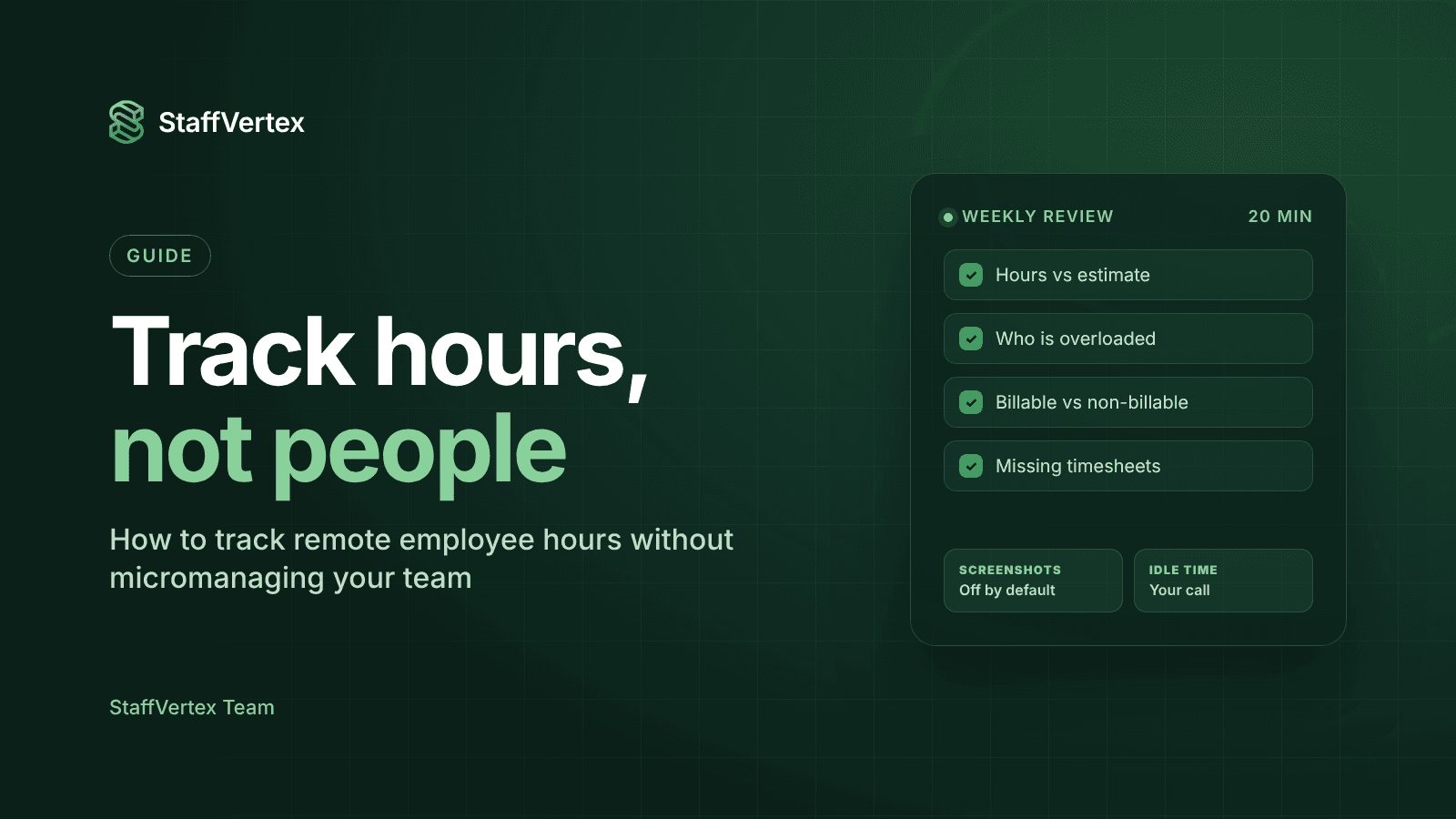
Transparency to employees. Whichever tool you choose, tell your team exactly what is captured and why. StaffVertex notifies users when screenshots are taken.
Projects, invoicing and payroll
Project and task management. StaffVertex includes boards, cards, task dependencies and deadlines on every plan, with unlimited projects and tasks from Pro, so every card carries the hours spent on it. Hubstaff's to-dos are capped at 500 on Starter and 1,500 on Grow; its fuller Hubstaff Tasks product is a $2.50 add-on on Starter and included from Grow.
Client invoicing. Hubstaff creates client invoices on every plan (Starter is limited to five clients) and adds team invoices on Team. StaffVertex generates project invoices automatically on Business, based on total hours across everyone on the project and the project's bill rate.
Payroll. Hubstaff's payments and payroll, including automatic payouts through integrations such as Wise and PayPal, require the Team plan. StaffVertex Business generates a payslip for each member from their tracked hours and hourly rate. You set a pay cycle (weekly, bi-weekly, monthly or annual) for the organization, and can override it per member. Payslips show paid or unpaid status and the member's bank details for verification; the payment itself is made through your usual bank or payroll provider.
Timesheet approvals. Hubstaff offers approvals from Team. StaffVertex includes timesheets, approvals and reports in the web dashboard.
The practical difference: if you want invoices and pay records generated automatically from the same hours, StaffVertex Business does it for $9 per seat. If you want the software to send the money to contractors directly, Hubstaff Team's payout integrations go further.
Pricing and total cost
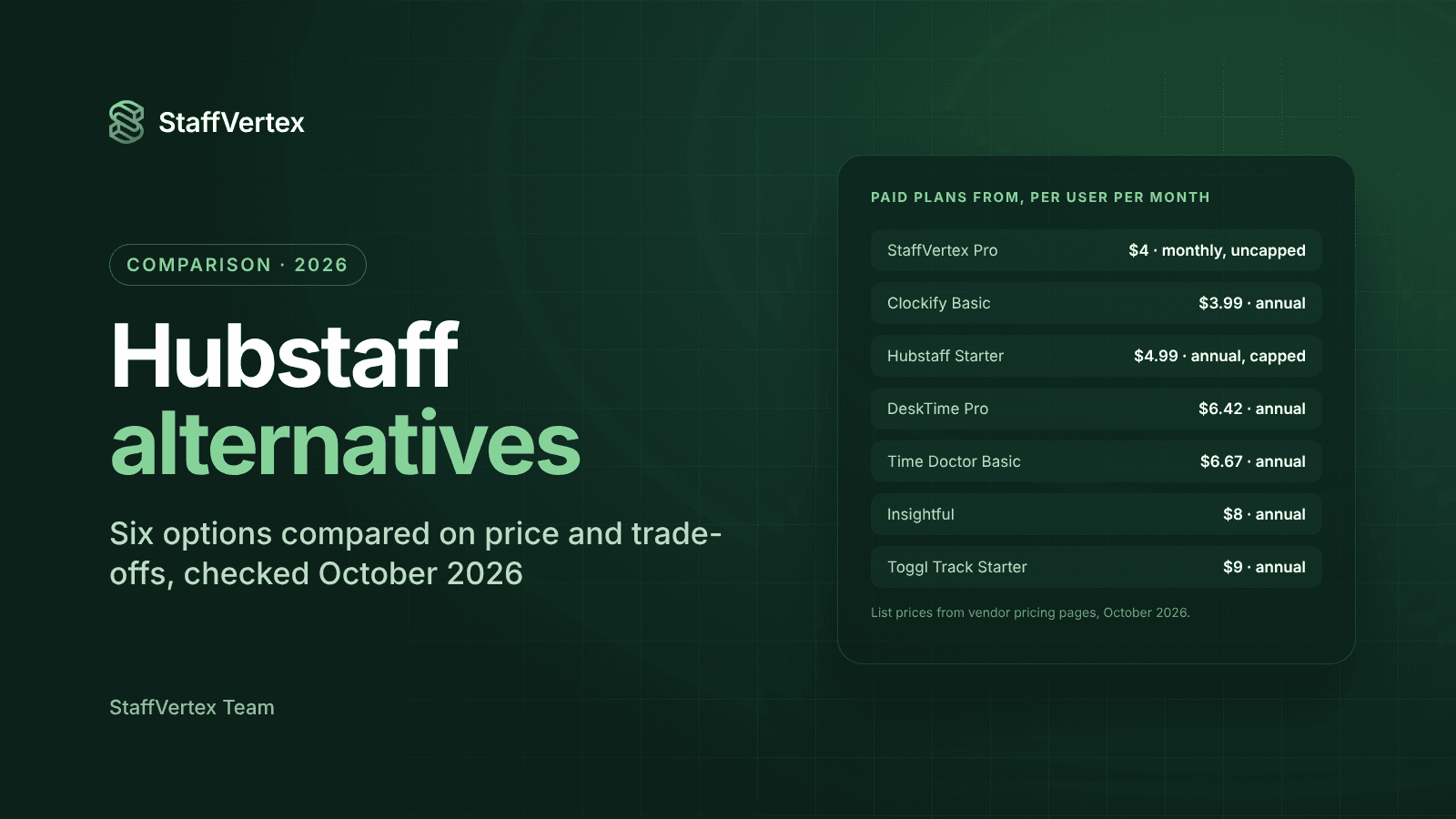
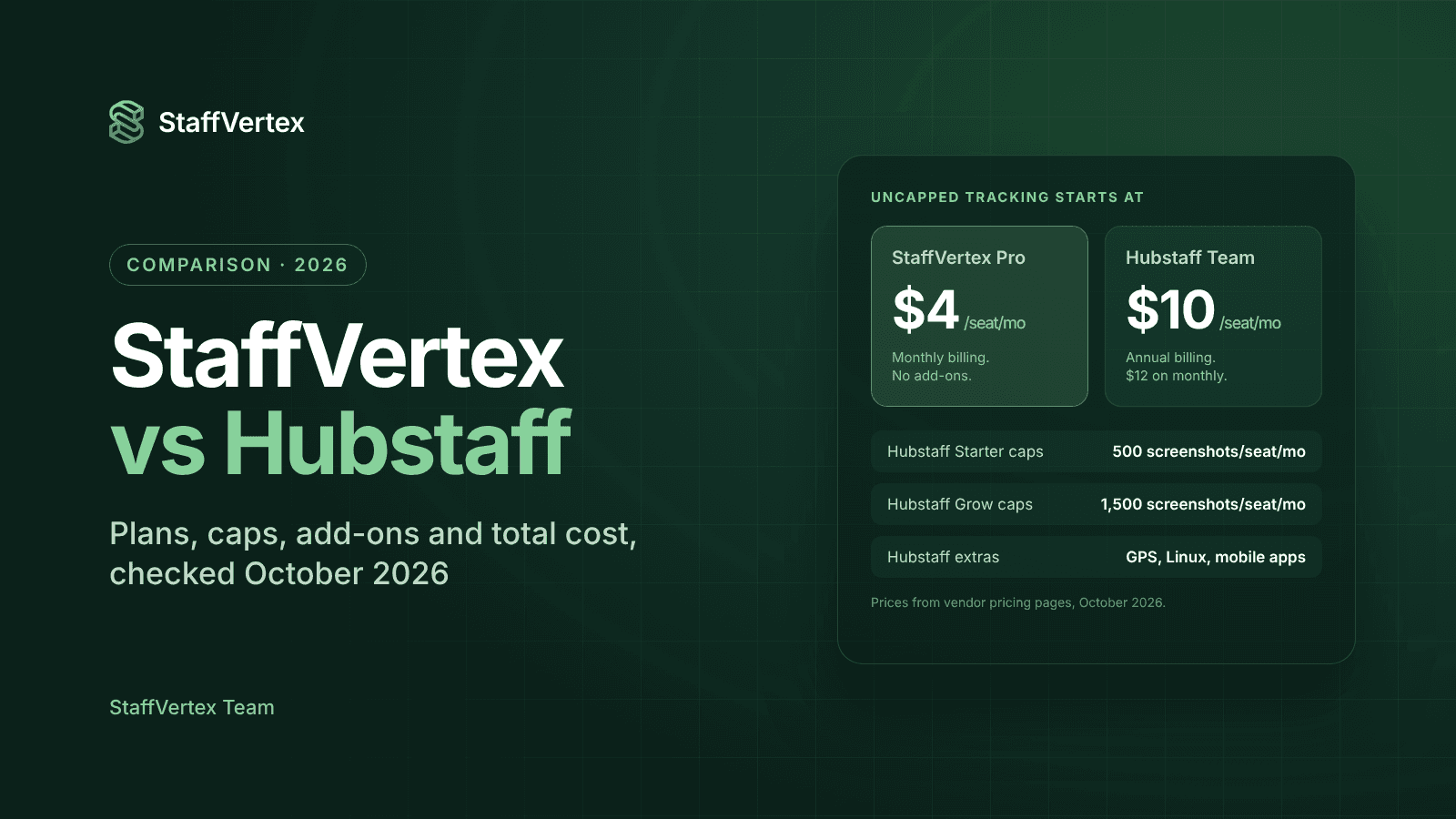
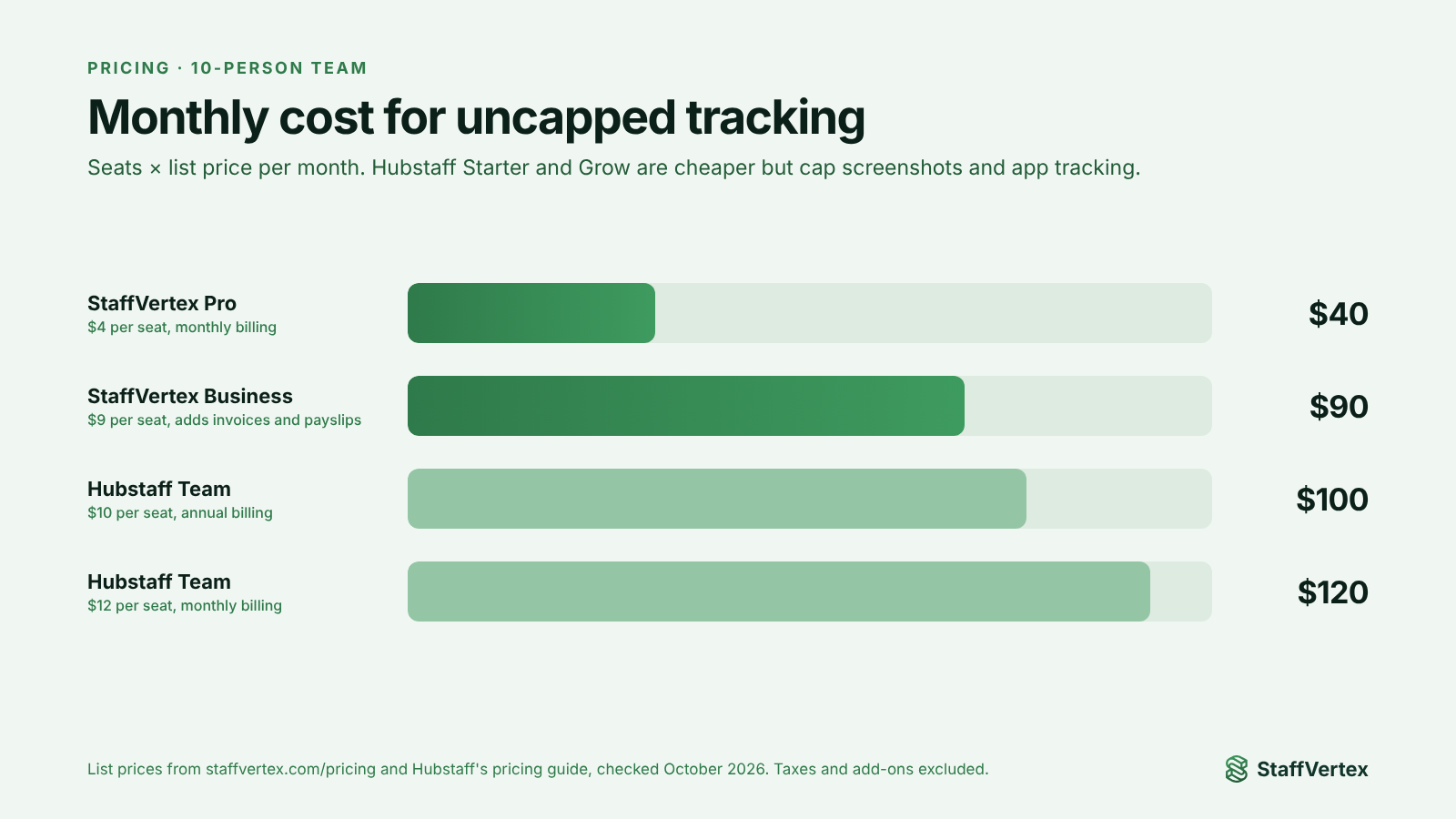
Hubstaff's cheapest plan looks close to StaffVertex on paper, but it is capped. For uncapped screenshots and app tracking you need Hubstaff Team, which costs two and a half to three times StaffVertex Pro.
Plan | Price per seat per month | Notes |
|---|---|---|
StaffVertex Pro | $4 (monthly billing) | Uncapped activity and screenshots, unlimited projects and tasks |
StaffVertex Business | $9 (monthly billing) | Adds automatic invoices and payslips |
Hubstaff Starter | $4.99 annual, $7 monthly | 500 screenshots and 500 apps/URLs per seat per month, no payroll |
Hubstaff Grow | $7.50 annual, $9 monthly | 1,500 caps, 1 integration, no payroll |
Hubstaff Team | $10 annual, $12 monthly | Uncapped, payroll, approvals, scheduling |
Hubstaff Enterprise | $25 annual | SSO, HIPAA, SOC 2, all add-ons |
Monthly cost by team size
Team size | StaffVertex Pro | StaffVertex Business | Hubstaff Team (annual) | Hubstaff Team (monthly) |
|---|---|---|---|---|
5 people | $20 | $45 | $50 | $60 |
10 people | $40 | $90 | $100 | $120 |
25 people | $100 | $225 | $250 | $300 |
StaffVertex prices drop a further 17% on annual billing. Hubstaff Team also comes with a three-month Insights trial; after it ends, Insights adds $2.50 per seat unless you remove it. Sources: Hubstaff plans and pricing, StaffVertex pricing.
Where each tool wins
Choose Hubstaff if you need:
GPS tracking and geofenced job sites for field or on-site teams.
Native iOS and Android apps, or Linux desktops.
A large integration library, including Jira, Asana, QuickBooks and Salesforce.
Payouts to team members through Wise, PayPal, Payoneer or Bitwage, plus payroll integrations with Gusto, Deel and Remote.
Behavioral analytics such as focus time, benchmarks and unusual-activity alerts.
Enterprise compliance, including SOC 2 Type II and HIPAA.
Choose StaffVertex if you want:
Uncapped screenshots and activity monitoring from $4 per seat, without add-ons.
Project boards, cards and task dependencies included on every plan.
Offline tracking on every plan, including Free.
Idle time handled by asking the employee, not by silently discarding it.
Automatic project invoices and member payslips from the same hours for $9 per seat.
Simple pricing with three plans and no seat minimum.
For desktop-based remote teams, such as software houses, agencies, consultancies and outsourcing firms, StaffVertex covers the daily workflow at a lower and more predictable cost. For field-service and large enterprise deployments, Hubstaff's breadth is hard to beat.
Try StaffVertex free
If your team works at computers and you are tired of plan caps and add-ons, start a free 14-day StaffVertex trial. No card is required, and setup takes an afternoon.
Sources
Checked on 23 October 2026; prices and features may change.