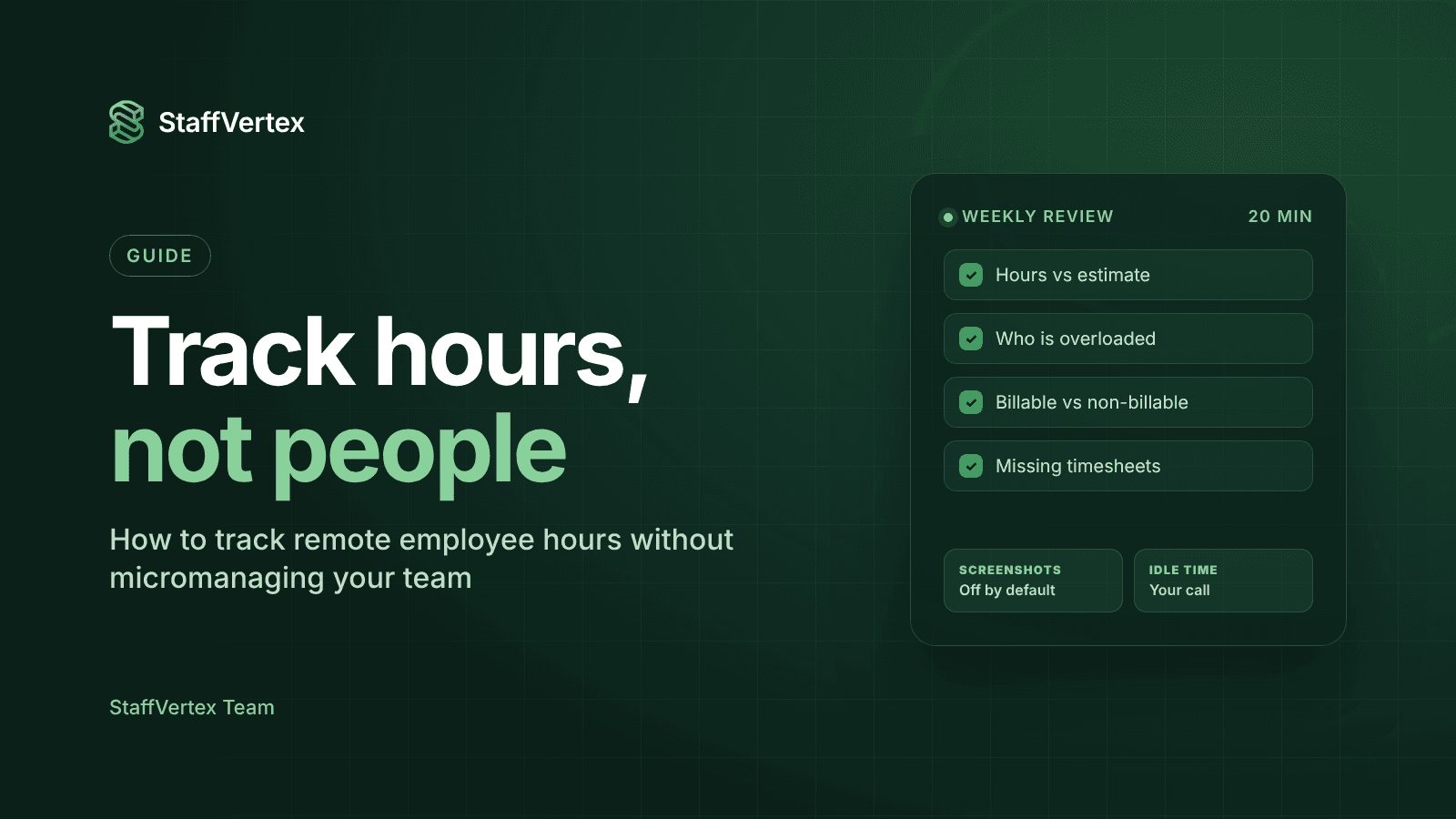
You can track remote employee hours accurately without micromanaging them, as long as you treat time data as a shared record rather than a surveillance feed. That means being open about what you track and why, letting employees stay in control of their own time, reviewing patterns instead of minutes, and pairing hours with outcomes.
Remote work removed the easy signals managers used to rely on. You cannot see who is at their desk, clients still want accurate bills, and payroll still needs hours. The temptation is to fill the gap with more screenshots, more alerts and more check-ins. That usually makes things worse.
This guide explains why heavy-handed monitoring backfires, sets out five principles for tracking fairly, walks through a practical rollout, and shows what to review each week so you stay informed without hovering.
Why micromanagement backfires with remote teams
It is natural to assume that more monitoring means more honesty. Research suggests the opposite can happen.
In two studies reported in Harvard Business Review, researchers Chase Thiel, Julena Bonner and colleagues found that monitored employees were more likely to break rules, including cheating on a test, taking equipment and deliberately working slowly. The explanation was psychological: close monitoring made people feel less personally responsible for their own conduct, as if responsibility had shifted to the system watching them.
The same research found an important exception. When employees felt they were treated fairly, with clear and just processes, the negative effect weakened. In other words, it is not tracking itself that damages behavior, but tracking that feels one-sided.
Micromanagement also has practical costs for remote teams:
Good people leave. Skilled employees have options and tend to avoid roles where every minute is scrutinized.
People optimize for the metric. When activity percentages are judged, mouse movement rises and meaningful work does not.
Managers drown in data. Reviewing screenshots all day is a poor use of a manager's time.
Trust erodes both ways. Teams that feel watched share less, including the early warnings managers most need.
Five principles for tracking without micromanaging
1. Explain the purpose before the tool. Tell your team exactly why you track time: accurate client billing, fair pay, better estimates, or spotting overload. People accept tracking that clearly serves a business need they understand.
2. Track the minimum you need. Hours against projects and tasks answer most questions. Add activity levels or screenshots only where there is a specific reason, such as a client contract that requires proof of work, and apply them to those roles rather than everyone.
3. Keep employees in control of their own time. Let people start and stop their own timer, decide what happens to idle time, and add manual time with a note. A tool that quietly deletes or edits hours feels like surveillance; one that asks feels like a record.
4. Look at patterns, not minutes. A single slow afternoon means nothing. Consistent under-logging, projects repeatedly running over estimate, or someone working every weekend are the signals worth a conversation.
5. Pair hours with outcomes. Hours show effort and cost; deliverables show results. Review both together, and use time data to improve estimates and workloads rather than to rank people.
Step by step: how to track remote employee hours the right way
Write a one-page tracking policy. Cover what is tracked (hours, activity levels, screenshots or not), why, who can see it, how long it is kept, and how people can correct mistakes. Check it against local employment and privacy law.
Announce it in a team meeting, not an email. Walk through the policy, show the tool, and answer questions openly. Invite concerns before launch rather than after.
Set up projects and tasks first. Time is only useful when it is attached to real work. Create projects, tasks and clients so people know exactly where to log hours.
Start with the lightest monitoring settings. Turn on time tracking and idle prompts. Leave screenshots off unless a specific role or client requires them, and use blur if you enable them.
Run a two-week pilot with a small group. Ask pilot users what felt unclear or intrusive and adjust settings before rolling out to everyone.
Agree on corrections. Make it easy to add manual time with a reason, such as a call away from the computer, and to fix a forgotten timer.
Share the reports. Let team members see their own hours and how their time is spread across projects. Visibility that flows both ways builds trust.
Review the setup after a month. Ask whether the data is helping with billing, estimates and workload. Remove anything you are collecting but not using.
What to review each week, and what to ignore
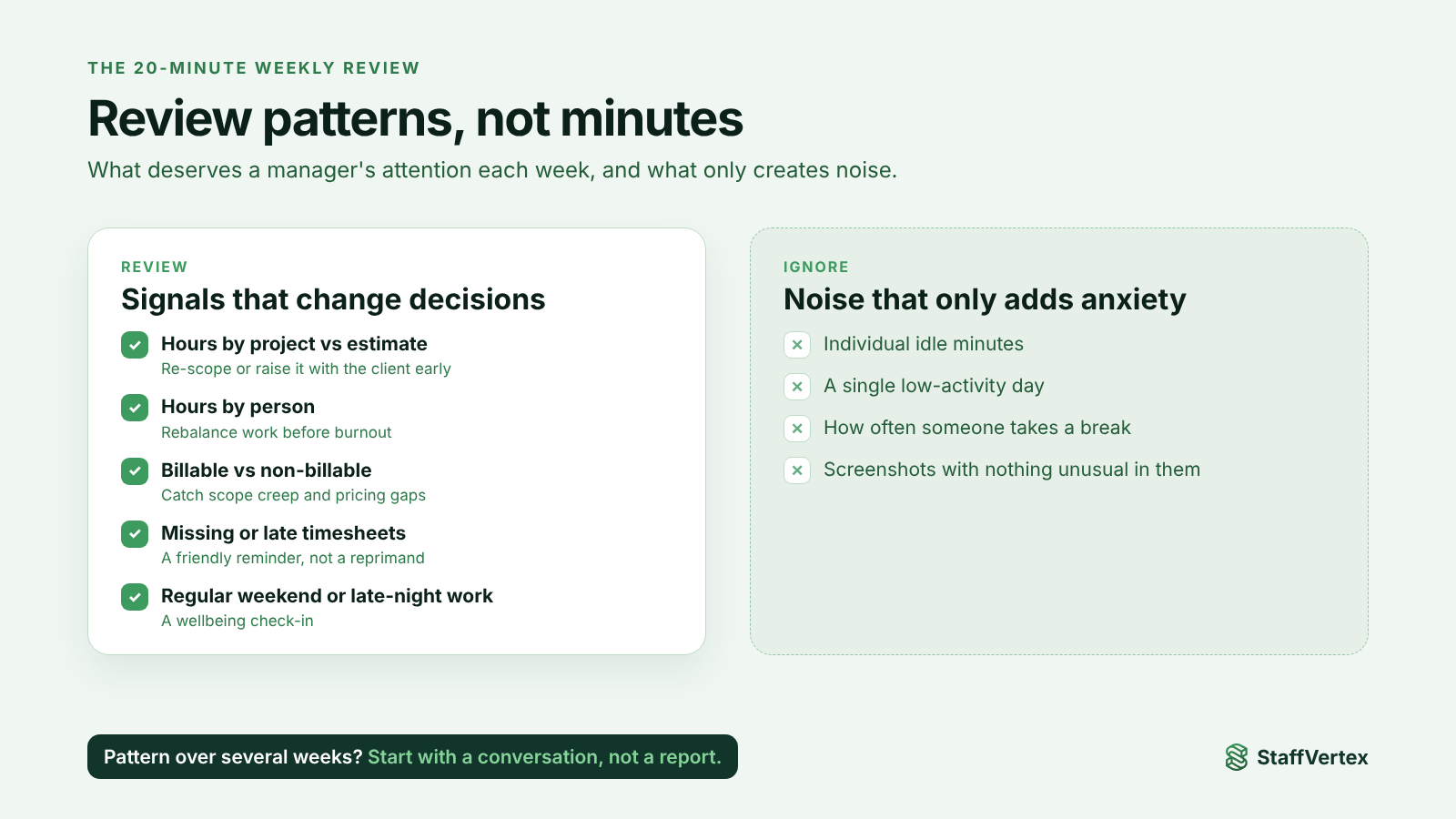
A 20-minute weekly review is enough for most managers. Focus on questions that lead to better decisions.
Review | Question it answers | Action it can lead to |
|---|---|---|
Hours by project vs estimate | Which projects are running over? | Re-scope, re-estimate or raise it with the client early |
Hours by person over the week | Is anyone overloaded or underused? | Rebalance tasks before burnout or idle time sets in |
Billable vs non-billable time | How much work are we giving away? | Fix scope creep or adjust pricing |
Missing or late timesheets | Whose records are incomplete? | A friendly reminder, not a reprimand |
Consistent weekend or late-night work | Is someone working unsustainable hours? | A wellbeing check-in |
What to ignore: individual idle minutes, a single low-activity day, how often someone takes a break, and screenshots with nothing unusual in them. These create noise and anxiety without changing any decision.
When to look closer: only when a pattern repeats over several weeks and does not match the work being delivered. Even then, start with a conversation, not a report.
How StaffVertex is designed for this
StaffVertex was built for remote teams that need accurate hours without the surveillance feel. Its defaults follow the principles above:
The employee starts the timer. Tracking is timer-based from the Windows or Mac desktop app, so people decide when work begins and ends.
Idle time is the employee's call. When StaffVertex detects inactivity, it asks the person whether to keep or discard that time instead of removing it silently.
Screenshots are off by default. Admins can enable them where there is a reason, with blur controls, and users are notified when a screenshot is taken.
Hours are tied to real work. Boards, cards and task dependencies mean every hour sits against a project or task, so reviews focus on work, not presence.
Offline work still counts. The desktop app keeps tracking when the connection drops and syncs later, so people with unreliable internet are not penalized.
Manual time with context. On Pro and Business, people can add time for work done away from the computer.
Reports for patterns. Hours by project, person and client, with scheduled delivery, make the weekly review quick.
Plans start free for one user; Pro is $4 and Business $9 per seat per month on monthly billing (pricing).
Try StaffVertex free
Start a free 14-day StaffVertex trial and set it up with monitoring as light as your team needs. No card is required.