Quick verdict on StaffVertex vs Clockify: Clockify is the better choice for teams of up to five people who only need basic timers and want to pay nothing. Once a team grows and needs screenshots, activity monitoring, project boards, invoicing and pay records together, StaffVertex costs less and does more in one plan.
Clockify is one of the most popular time trackers in the world, largely thanks to its free plan and low entry price. The catch is that its features are spread across five tiers, and the ones growing teams reach for, such as invoicing, approvals and activity monitoring, sit on Standard and Pro.
This comparison is written by the StaffVertex team. We have used Clockify's own pricing page for every Clockify figure and pointed out where Clockify is the stronger option. Prices were checked in October 2026.
StaffVertex vs Clockify at a glance
StaffVertex | Clockify | |
|---|---|---|
Plans | Free, Pro, Business | Free, Basic, Standard, Pro, Enterprise |
Free plan | 1 user, with screenshots and offline tracking | Up to 5 users; reports limited to a 1-month range; no billable rates |
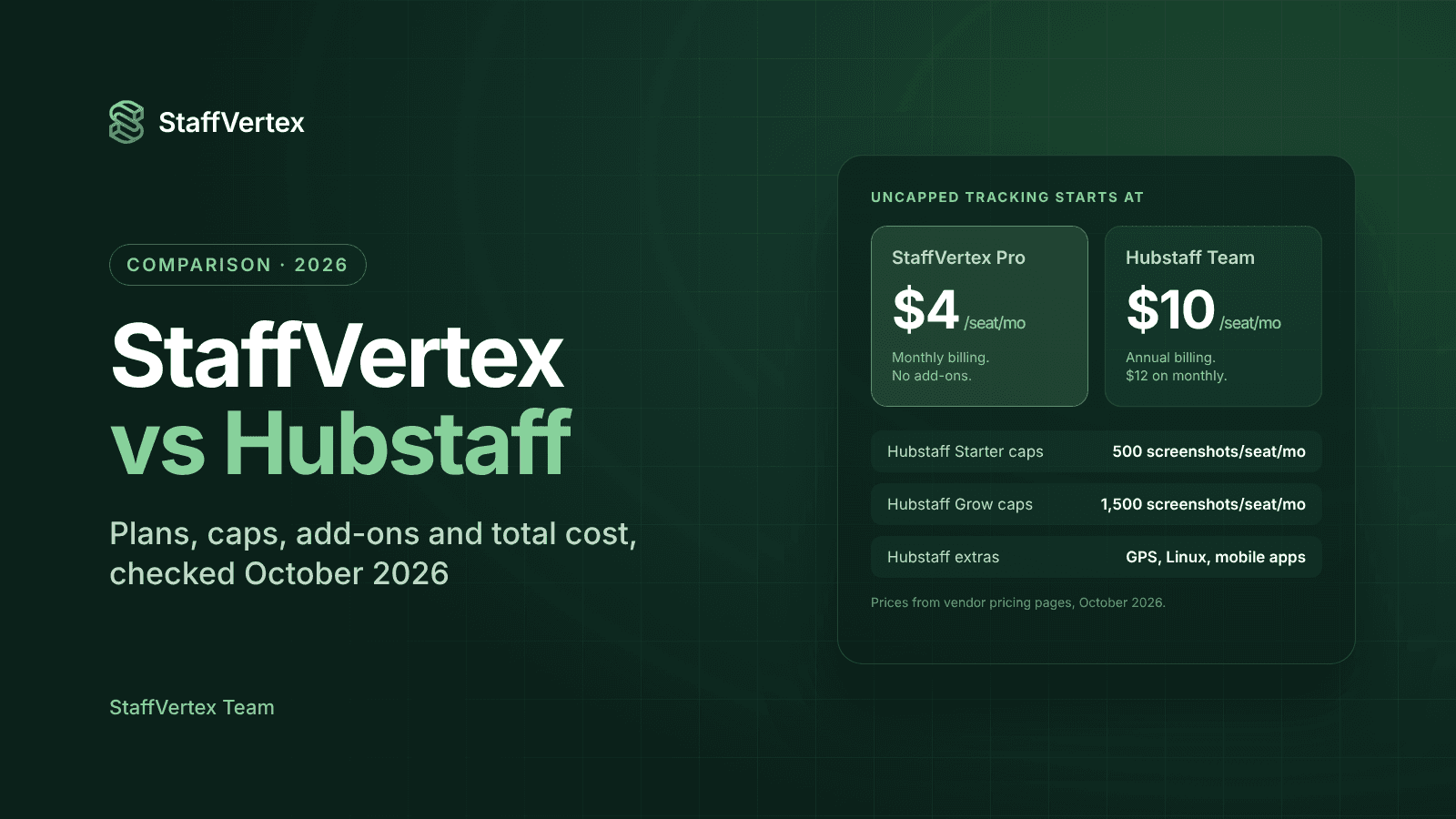
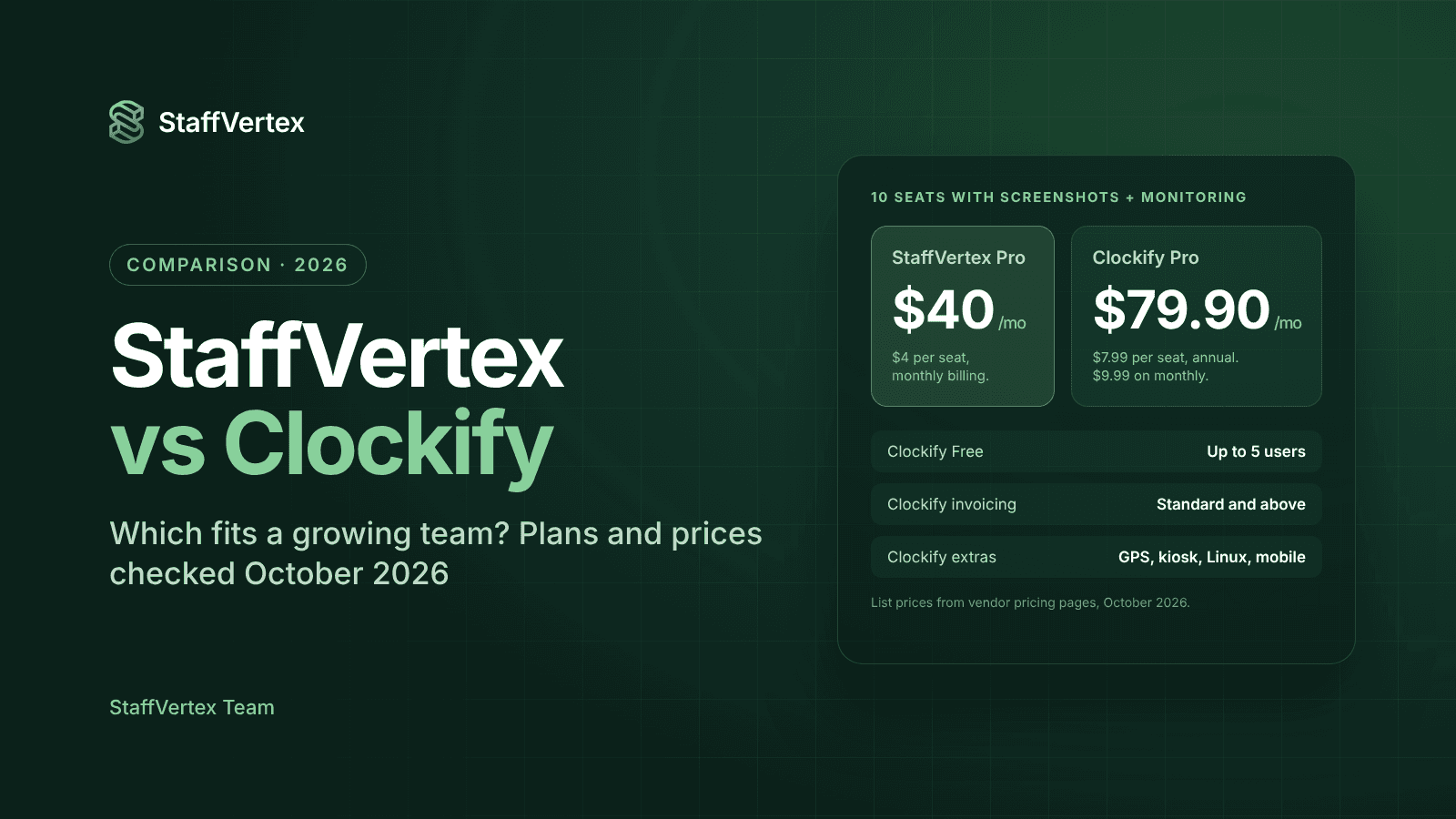
Paid plans from | $4/seat/mo (monthly billing) | $3.99 annual, $4.99 monthly |
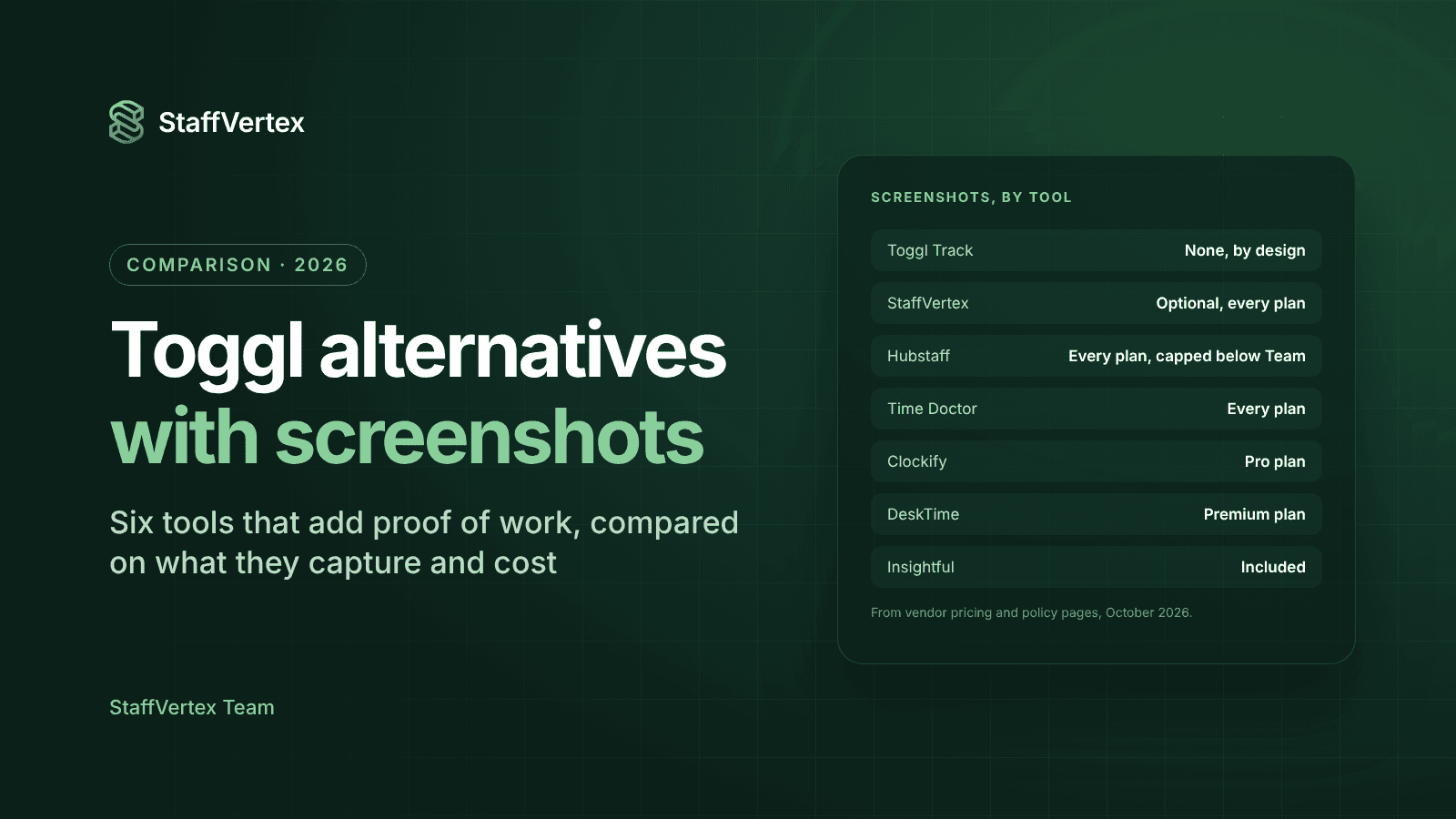
Screenshots and activity monitoring | Screenshots on every plan; activity monitoring from Pro ($4) | Pro ($7.99 annual, $9.99 monthly), via a separate agent |
Project boards and task dependencies | Every plan | Projects and tasks; boards via Plaky, a separate product |
Client invoicing | Automatic on Business ($9) | Standard ($5.49 annual) and above |
Timesheet approvals | Included | Standard and above |
Payslips or labor cost | Automatic payslips on Business | Labor cost and profit reports on Pro |
GPS and kiosk | No | GPS on Pro; kiosk from Basic |
Desktop apps | Windows, macOS | Windows, macOS, Linux, plus mobile and browser |
Free trial | 14 days, no card | 7 days, no card |
Refunds | See refund policy | Generally no refunds, except for system errors |
The growing-team test
Most teams choose a time tracker when they are small and cheap to run, then find out what it really costs as they grow. Here is how the two tools change as your team does.
At 1 to 5 people. Clockify's free plan is hard to beat for pure time logging: unlimited tracking, timesheets, a desktop and mobile app, and reports for up to five users. The limits show quickly, though. Free reports only cover a one-month range, there are no billable rates, and exports are PDF only. StaffVertex Free is for one user, so a five-person team would start on Pro at $20 a month, which already includes screenshots, activity monitoring and unlimited projects.
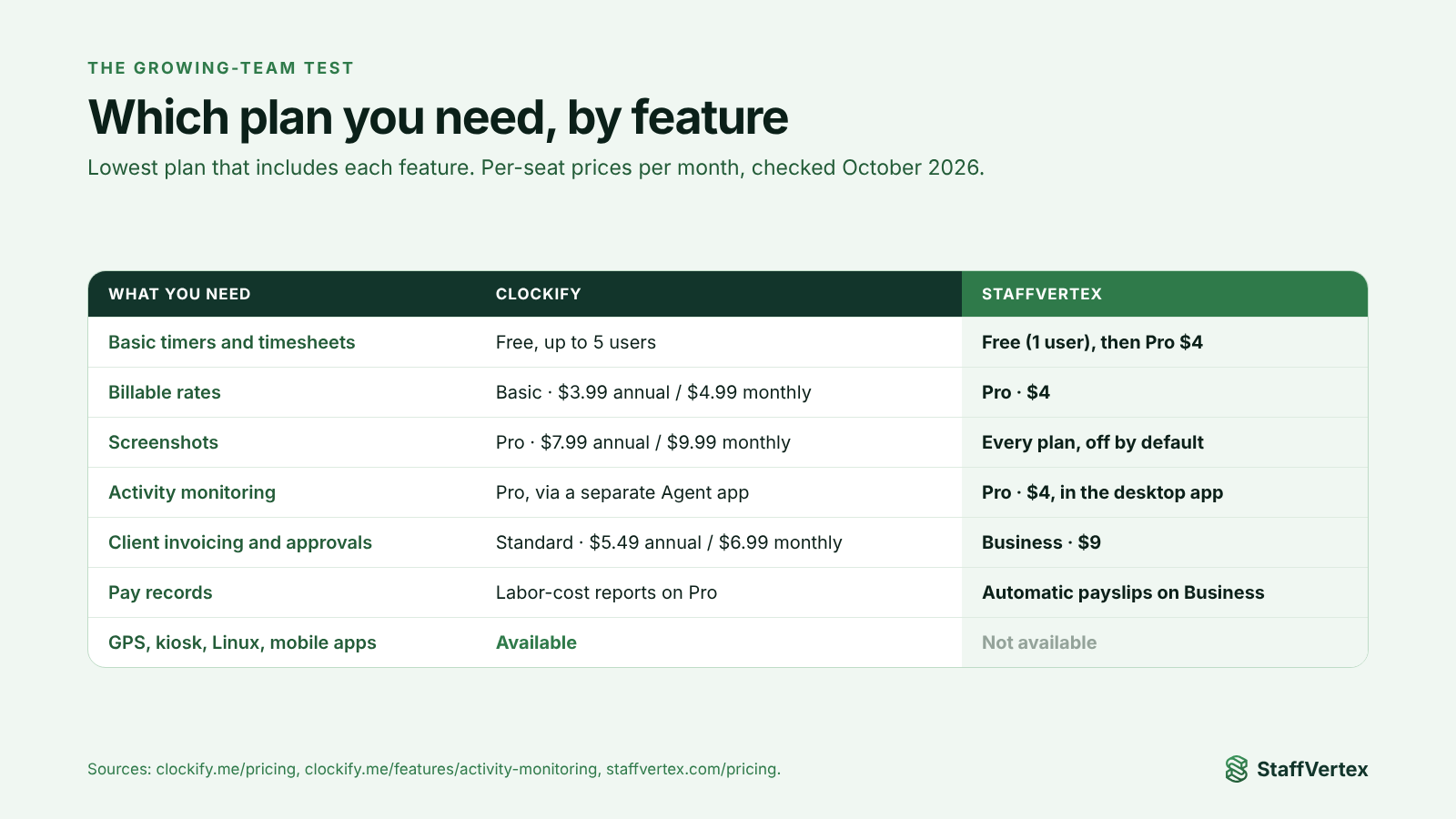
At 6 to 15 people. This is where most teams add structure. You want to bill clients from tracked time, approve timesheets before payroll, and see who worked on what. In Clockify that means Standard for invoicing and approvals, and Pro if you also want activity monitoring or labor-cost reports. In StaffVertex, Pro covers monitoring and projects, and Business adds automatic invoices and payslips.
At 15 people and beyond. Visibility and consistency matter more. Managers want the same rules for everyone, idle time handled fairly, and payroll that matches invoices. StaffVertex's pay cycles generate both invoices and payslips from the same hours. Clockify offers strong reporting and integrations at this size, but monitoring needs its separate activity agent installed on company devices.
The short version: Clockify is cheapest while you are small and need only timers. StaffVertex becomes the better value once you want monitoring, project management and billing working together.
Feature deep dive
Time tracking
Both tools let people start a timer against a project and task, add manual time and track offline. Clockify has more ways to log time: a web timer, weekly timesheet, calendar view, browser extension, mobile apps and a shared kiosk for clock-ins. StaffVertex focuses on the desktop: a Windows and Mac app that lives in the tray, keeps counting offline and syncs on reconnect, with timesheets and approvals in the web dashboard.
Idle time
Clockify reminds users when they forget to start or stop the timer and detects idle time. StaffVertex prompts the user when idle time is detected and asks whether to keep or discard it, so the decision stays with the person who did the work.
Monitoring and screenshots
Clockify's activity monitoring, which covers apps, websites, keyboard and mouse activity and optional screenshots, is part of the Pro plan and runs through a separate agent installed on company devices. StaffVertex builds activity monitoring and optional, blurrable screenshots into the same desktop app you track time with, from Pro at $4 per seat. Screenshots are off by default in StaffVertex.
Projects and tasks
Clockify organizes time by project, client, task and tag, with estimates on Basic and budgets on Pro. For boards, CAKE.com sells a separate project tool, Plaky. StaffVertex includes boards, cards, deadlines and task dependencies in every plan, so planning and time tracking live in one place.
Invoicing and pay
Clockify creates invoices from tracked time and expenses on Standard, with recurring invoices and QuickBooks sync, and adds labor-cost and profit reports on Pro. StaffVertex Business generates project invoices and member payslips automatically at the end of each pay cycle (weekly, bi-weekly, monthly or annual), using project bill rates and member pay rates. That means client billing and staff pay always come from the same hours.
Cost comparison for a 10-person team
The cheaper tool depends on what you need. Clockify wins for plain timers and for invoicing without monitoring; StaffVertex wins whenever activity monitoring or screenshots are part of the requirement.
What you need | Clockify (annual) | Clockify (monthly) | StaffVertex (monthly) |
|---|---|---|---|
Basic timers, up to 5 users | $0 on Free | $0 on Free | $20 on Pro (5 seats) |
Timers with billable rates | $39.90 on Basic | $49.90 on Basic | $40 on Pro |
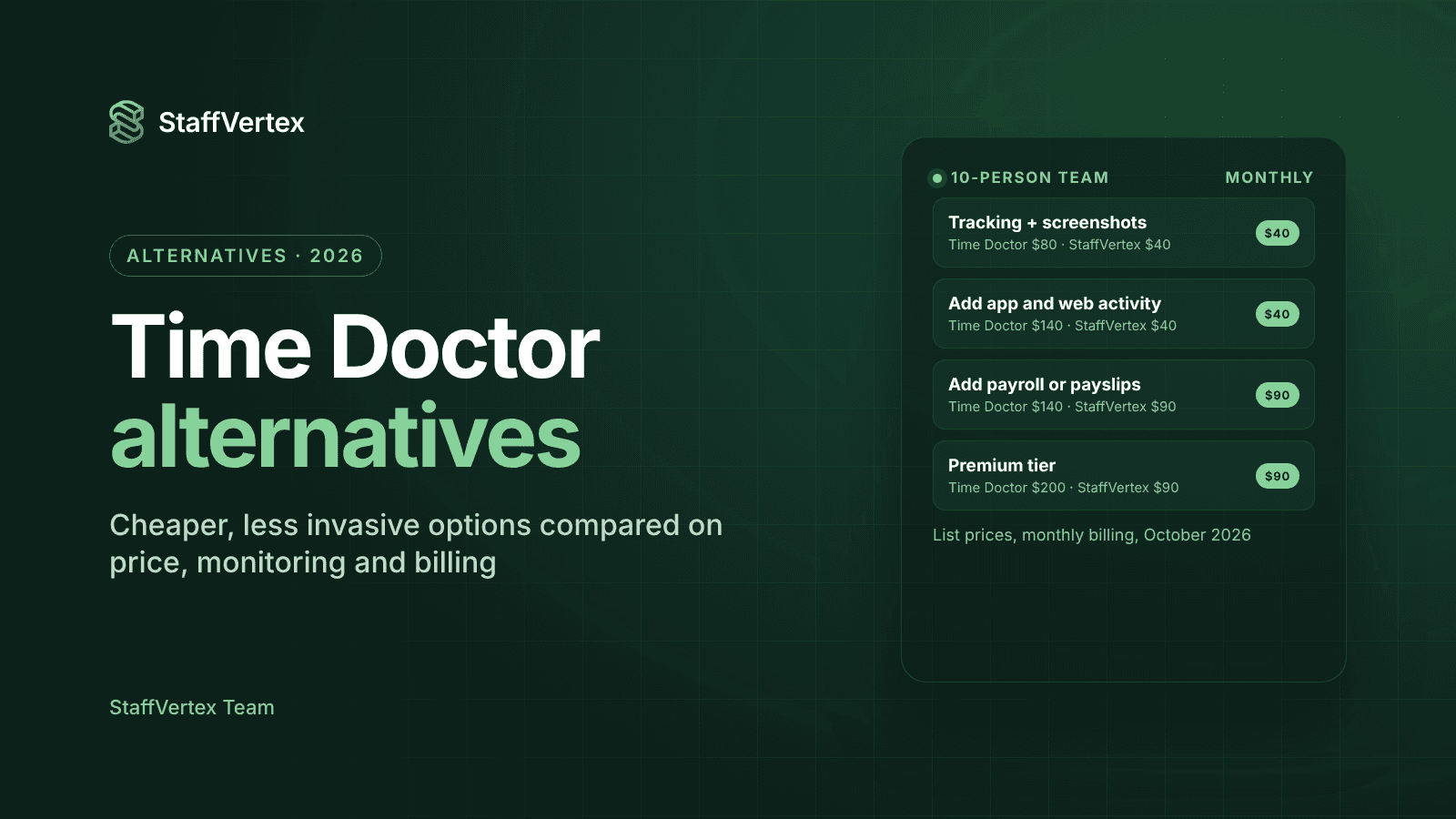
Activity monitoring and screenshots | $79.90 on Pro | $99.90 on Pro | $40 on Pro |
Invoicing and approvals, no monitoring | $54.90 on Standard | $69.90 on Standard | $90 on Business |
Monitoring plus invoicing and pay records | $79.90 on Pro | $99.90 on Pro | $90 on Business |
StaffVertex prices fall a further 17% on annual billing, which brings Business to roughly $75 for 10 seats. Clockify's annual discount is 20%. Sources: Clockify pricing, StaffVertex pricing.
Where each tool wins
Choose Clockify if:
You have five people or fewer and only need timers and timesheets for free.
You want invoicing and approvals but no screenshots or activity monitoring.
Your team needs mobile apps, a Linux desktop app, a shared clock-in kiosk or GPS.
You rely on its 80+ tracking integrations, such as Jira, Asana, Trello and ClickUp.
Choose StaffVertex if:
You want screenshots and activity monitoring without paying for a top tier or installing a separate agent.
You want project boards, task dependencies and time tracking in one tool.
You bill clients and pay people by the hour and want invoices and payslips generated from the same hours automatically.
Your team works with unstable internet and needs reliable offline tracking.
You prefer three simple plans to five tiers of features.
For a growing agency, software house or outsourcing team, StaffVertex delivers more of what you need in one plan. For a tiny team that just wants a free timer, Clockify is an excellent start.
Try StaffVertex free
Outgrowing your free timer? Start a free 14-day StaffVertex trial, no card required, and see your team's first report the same day.
Sources
Checked on 23 October 2026; prices and features may change.