Managing remote teams in Islamabad and Rawalpindi works best with a small, deliberate tool stack: one place to talk, one place to plan work, one reliable way to track time and pay, and a backup plan for power and internet. The tools matter less than the habits around them, but the wrong tools, such as a timer that stops during load-shedding, can quietly undo good habits.
The twin cities are a major part of Pakistan's growing technology sector, with software houses, BPOs, startups and a large freelance community serving clients at home and abroad. Many teams now split time between an office in Blue Area, I-9, F-7 or Saddar and homes spread across both cities, often working evening hours to overlap with clients in the UK, Europe or the US.
This guide covers what makes twin-city teams different, the tool stack that helps, the practices that matter more than any app, and a simple hybrid schedule you can adopt.
What makes remote teams in Islamabad and Rawalpindi different
Commutes across two cities. Team members may live in Rawalpindi, Bahria Town, DHA or the Islamabad sectors, so a daily office trip can take a big bite out of the day. That is a major reason hybrid work has stuck.
Power and internet interruptions. Scheduled outages, UPS switchovers and occasional network disruptions affect home workers more than offices with generators and backup lines.
Evening and night shifts. Teams serving UK, European or US clients often work late, which makes in-person management harder and asynchronous communication more important.
A mix of employees and freelancers. Many companies blend full-time staff with contractors who also work for other clients, which changes how you plan and track work.
Competitive hiring. Skilled developers, designers and marketers have options, including remote jobs with foreign companies. Management style and flexibility are part of how you keep them.
The tool stack that actually helps
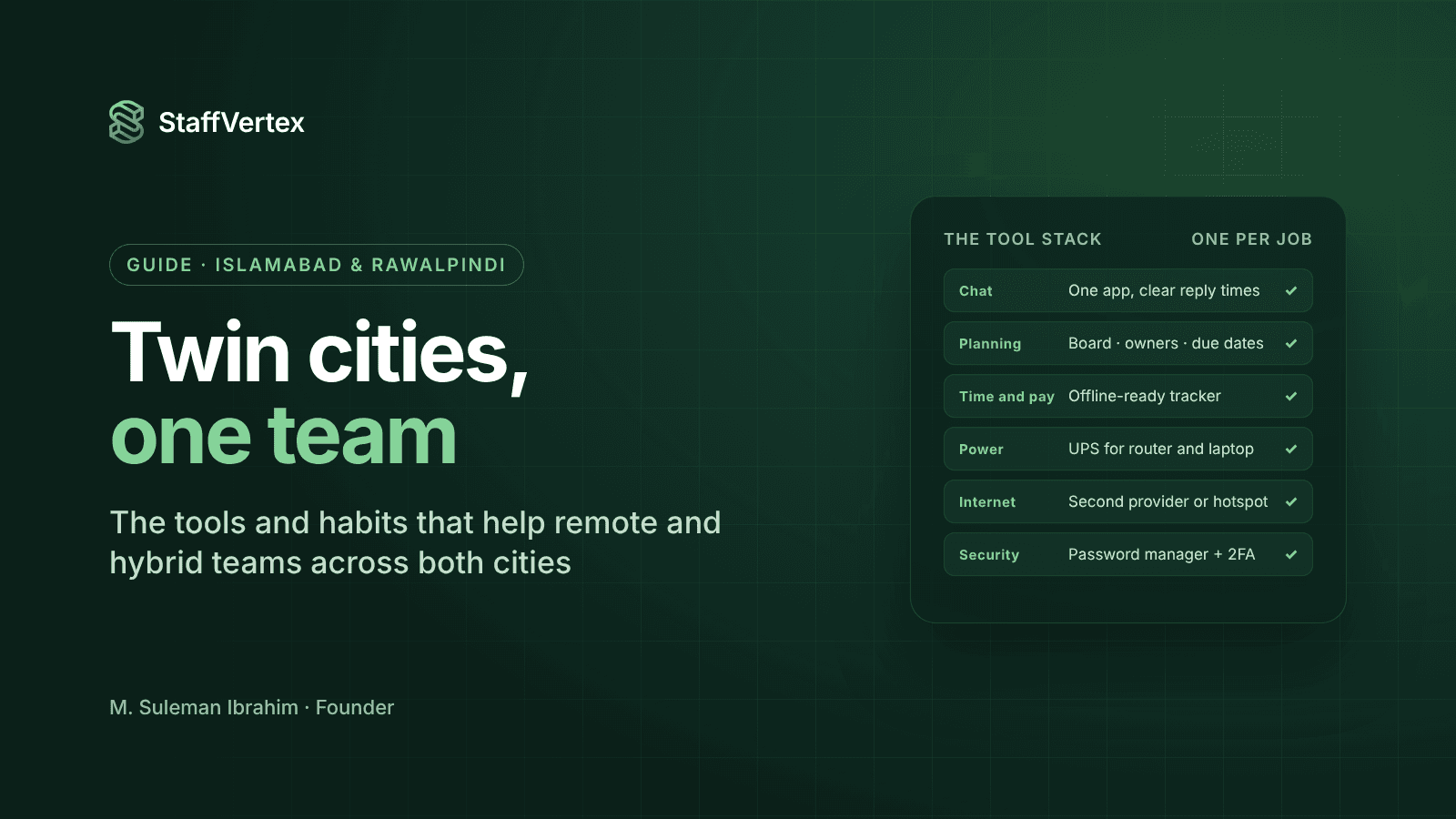
Pick one tool per job and resist adding more. Every extra app is another place for information to get lost.
Job | What to use | Tip for twin-city teams |
|---|---|---|
Chat and quick questions | A team chat app such as Slack, Microsoft Teams or Discord | Agree response-time norms so evening-shift staff are not expected to reply at 9 a.m. |
Meetings | Google Meet, Zoom or Teams | Keep cameras optional and share recordings for people on different shifts |
Documents and knowledge | Google Workspace, Microsoft 365 or Notion | Write decisions down; async beats repeating meetings across shifts |
Planning work | A board with tasks, owners, deadlines and dependencies | Every task has one owner and a due date |
Time tracking and pay | A desktop time tracker with offline mode, invoicing and payslips | Choose one that keeps counting through outages |
Power backup | UPS for routers and laptops, or a small inverter | Budget a backup allowance for key staff |
Internet backup | A second connection from a different provider, or a mobile hotspot | Test the switchover before you need it |
Security | Password manager and two-factor authentication | Mandatory for anyone with client access |
Practices that matter more than tools
Write down how you work. A one-page team charter covering working hours, response times, meeting days, how to report outages and how time is tracked removes most daily friction.
Manage outcomes, not presence. Agree weekly goals with each person and review progress, rather than checking who is online.
Make outages normal, not suspicious. Tell the team exactly what to do when power or internet drops: keep working offline if possible, post a short note in chat, and let the time tracker sync later.
Protect overlap hours. Choose two or three hours a day when everyone, including evening-shift staff, is available for calls and decisions, and keep the rest for focused work.
Hold a weekly one-to-one. Fifteen minutes with each direct report catches problems that never appear in chat, especially for new hires.
Be fair and transparent with time data. Use it for planning, billing and pay; let people see their own records and handle their own idle time; never use a single low-activity day as evidence of anything.
Invest in in-person time. Monthly team days in the office, or a quarterly get-together, build the relationships that make remote days work.
A hybrid week that works
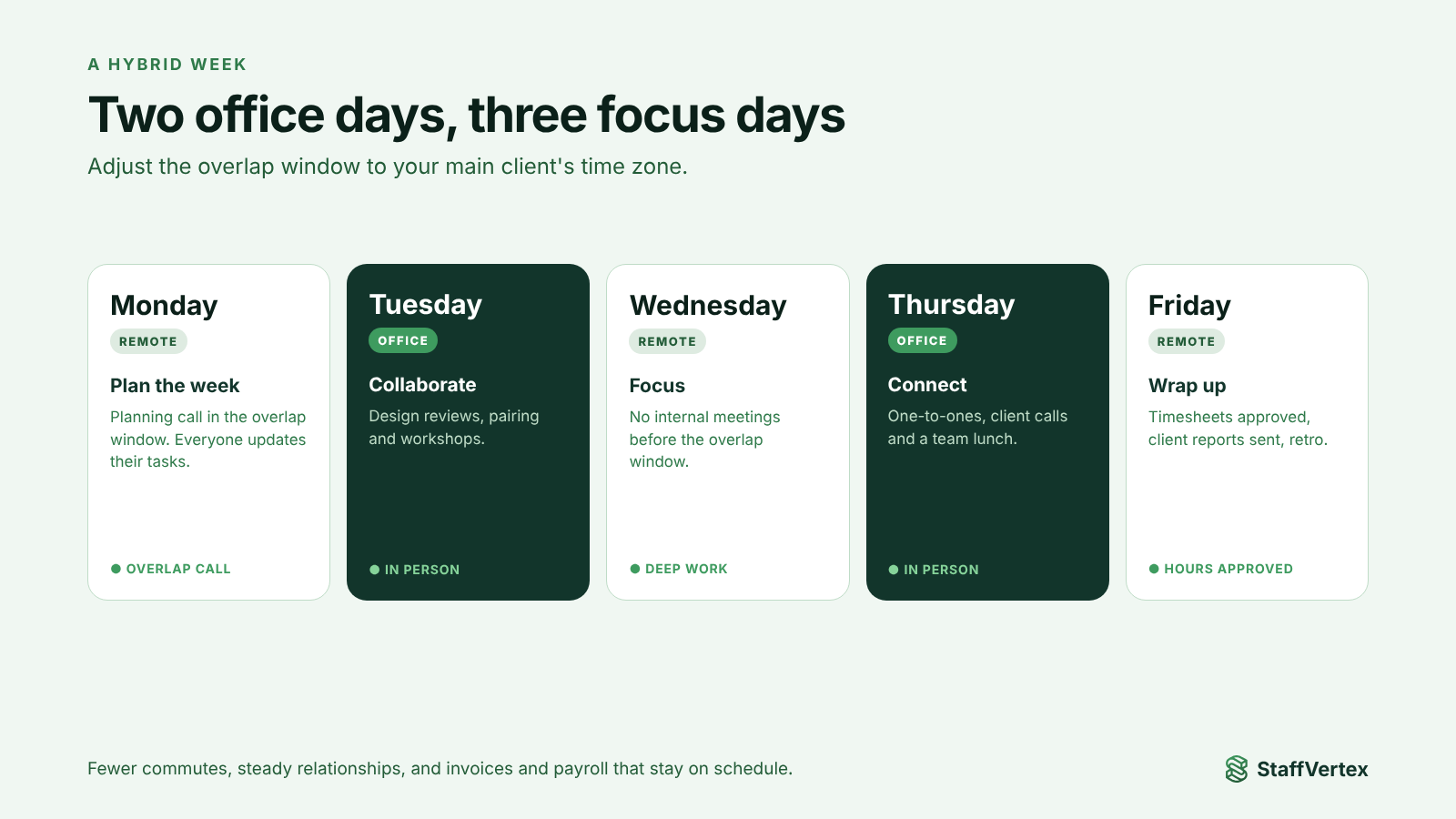
Here is a simple pattern many twin-city teams can adapt. Adjust the overlap hours to your main client's time zone.
Day | Where | What happens |
|---|---|---|
Monday | Remote | Weekly planning call in the overlap window; everyone updates their tasks |
Tuesday | Office | Collaboration day: design reviews, pairing, workshops |
Wednesday | Remote | Focus day with no internal meetings before the overlap window |
Thursday | Office | One-to-ones, client calls, team lunch |
Friday | Remote | Wrap-up: timesheets approved, weekly client reports sent, retros |
Two office days a week keep relationships strong while cutting commutes by more than half. Friday wrap-up means hours are approved and client reports go out before the weekend, so invoices and payroll stay on schedule.
How StaffVertex helps twin-city teams
StaffVertex is built by a team based in Islamabad, for exactly the kind of hybrid, outage-prone, client-facing work described above.
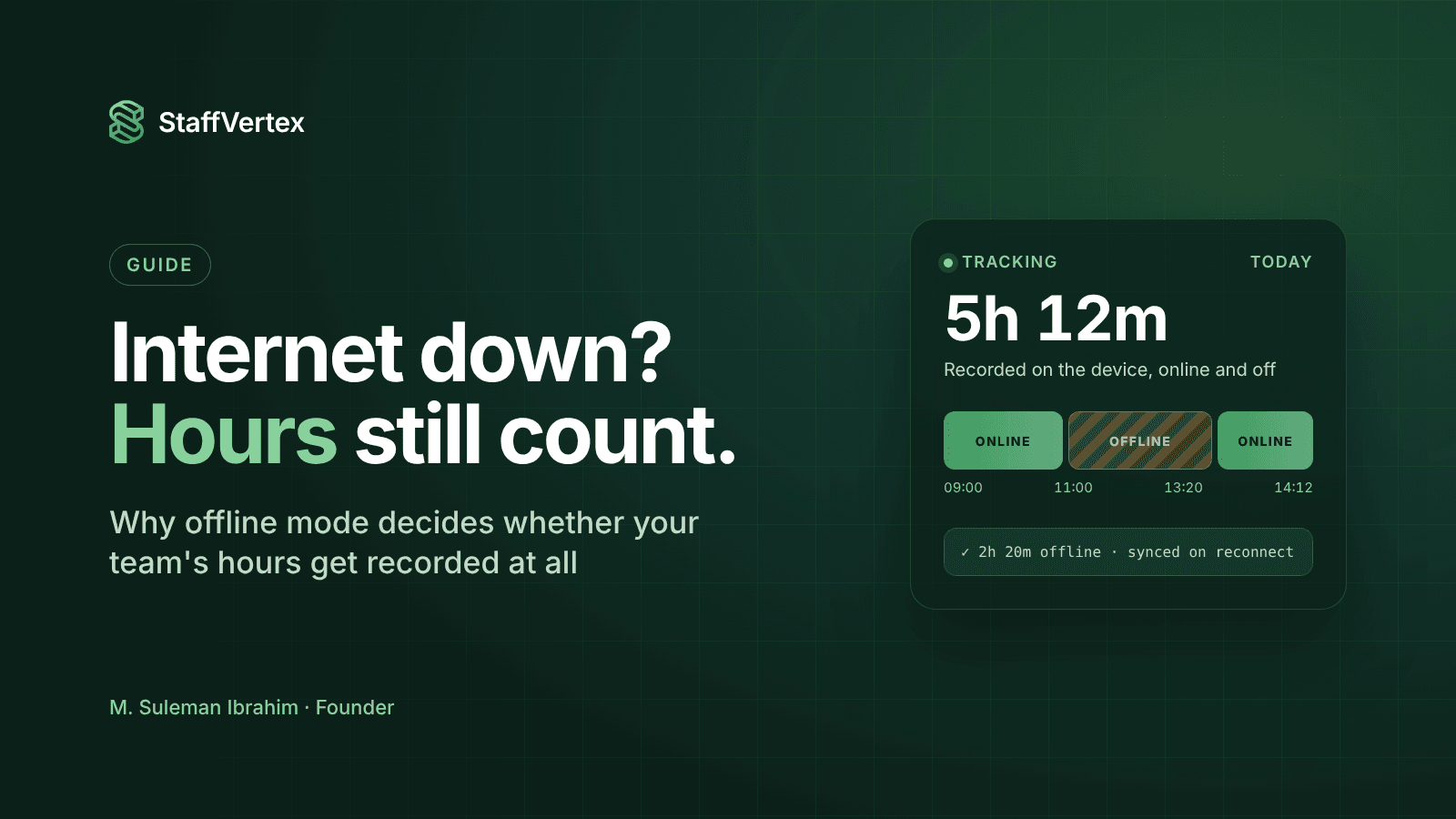
Works through outages. The Windows and Mac desktop app keeps tracking when power or internet drops, saves time locally, and syncs automatically, so an afternoon of load-shedding does not become an argument about hours.
Same tool in the office and at home. The tray timer works identically on office days and remote days, and managers see everything in one web dashboard.
Planning and time in one place. Boards, cards, owners, deadlines and task dependencies cover the "planning work" row of the stack, so you may not need a separate project tool.
Fair for evening shifts. Timestamps are stored in UTC and corrected against server time, so late-night work lands on the right day in reports.
Friday wrap-up made easy. Timesheets and approvals in the web dashboard, reports by project, person and client, and on Business, automatic client invoices and staff payslips from the same hours.
Monitoring you control. Activity monitoring on paid plans and optional, blurrable screenshots, off by default, for clients who require proof of work.
Pro is $4 and Business $9 per seat per month on monthly billing, with a 14-day free trial (pricing).
Try StaffVertex with your team
Start a free 14-day StaffVertex trial and run your next hybrid week on it, from Monday planning to Friday wrap-up. No card is required.