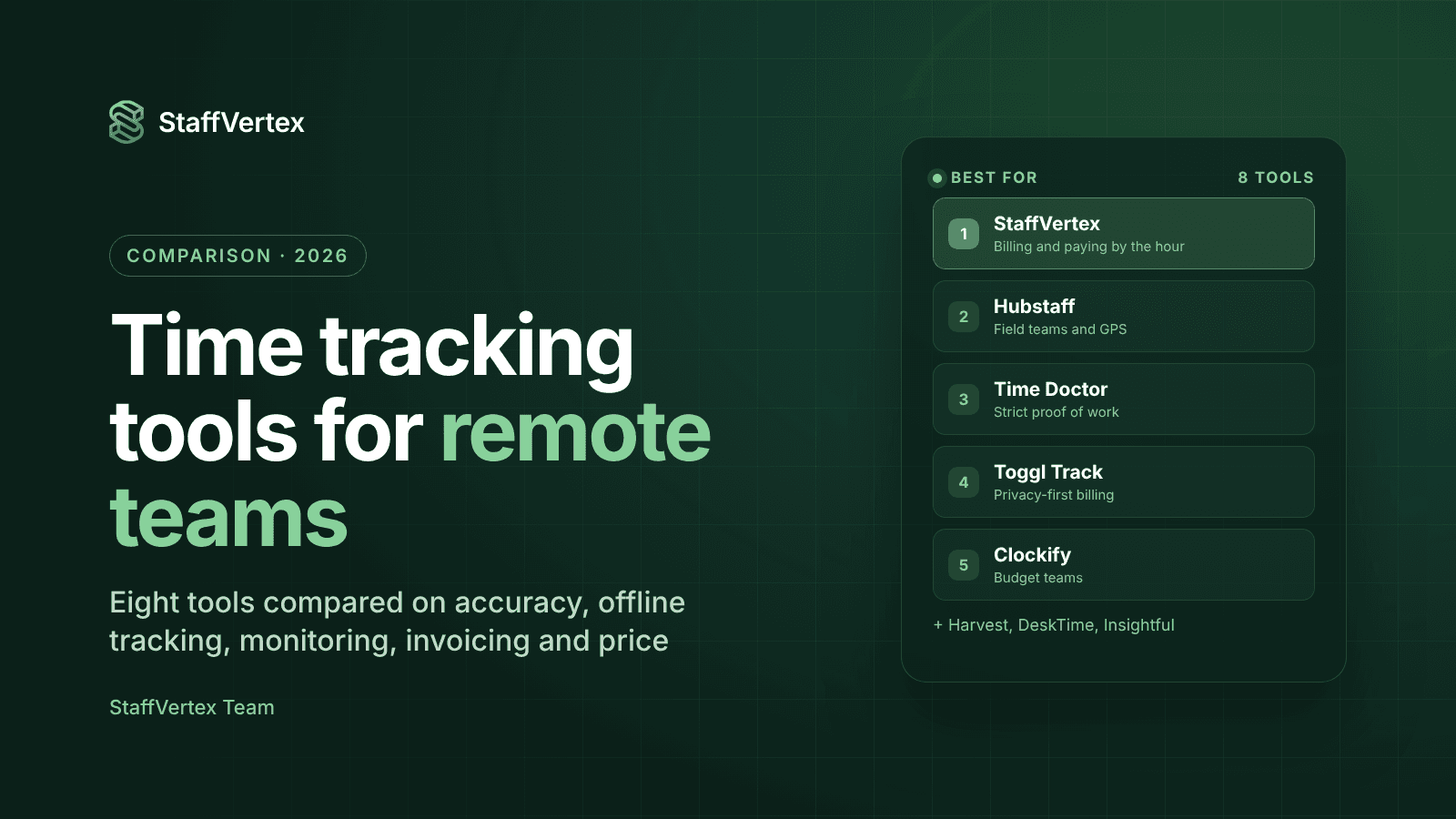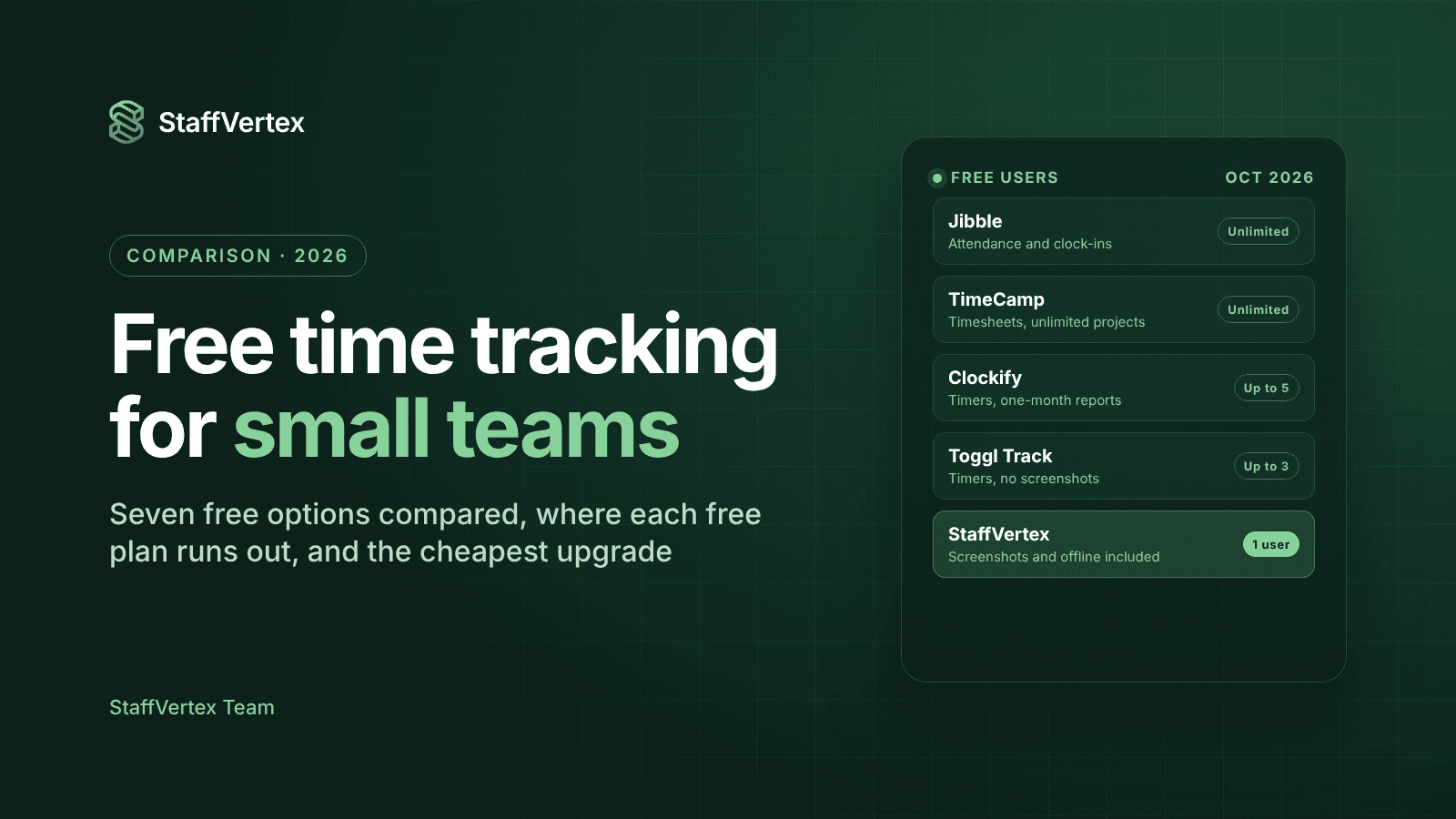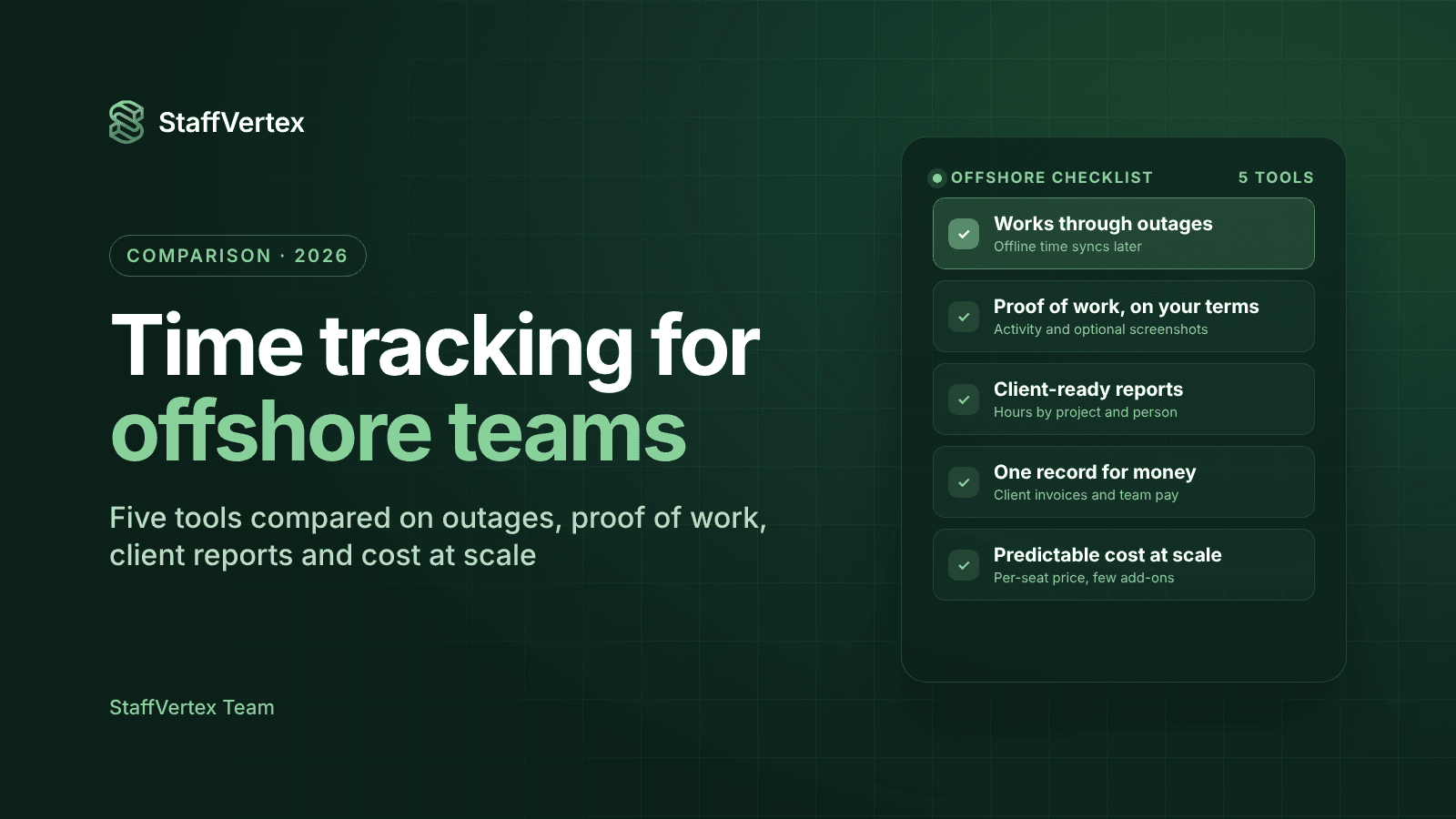
Among time tracking tools for outsourcing and offshore teams, StaffVertex is the best fit for most. It combines the things offshore vendors need to win and keep foreign clients: a reliable desktop tracker that works through power cuts and dropped connections, optional proof-of-work screenshots, clear reports clients can trust, and automatic client invoices and team payslips from the same hours, from $4 per seat per month.
Outsourcing runs on trust across distance. A client in London, New York or Dubai is paying for hours worked by a team they rarely meet, in a different time zone, often on a different continent. The time tracker is where that trust is earned or lost.
This guide explains what offshore teams need from a tracker, compares five strong options, and shares practical ways vendors can use time data to strengthen client relationships. Prices are as of October 2026. We make StaffVertex, so weigh our pick with that in mind; each section notes where other tools are stronger.
What outsourcing teams need that others don't
Proof of work for clients. Many outsourcing contracts, especially staff augmentation, require evidence that billed hours were worked. Activity levels and optional screenshots answer that without constant check-ins.
Reliability through outages. Offshore hubs often face scheduled power cuts and unstable internet. A tracker that loses time during an outage creates billing gaps the client will notice.
Time-zone clarity. When the team works in Karachi, Manila or Bangalore and the client sits in New York, reports need consistent timestamps so everyone reads the same day the same way.
Client-ready reporting. Clients want clean summaries by project and person, not raw activity dumps.
Multi-client billing. One engineer may work for two clients in a week. Hours must split cleanly into each client's invoice.
Payroll for a local team. The vendor pays its own staff, usually on a different cycle from client invoicing, and needs pay records that match billed hours.
Predictable cost at scale. Offshore teams grow quickly; per-seat prices and add-ons matter more at 50 or 100 people.
1. StaffVertex: best overall for offshore teams
StaffVertex is built in Pakistan by a company that has run a remote software business serving international clients, and it is designed around the realities of offshore delivery.
Why it suits outsourcing
Built for outages. The Windows and Mac desktop app keeps counting through power cuts and dropped connections, buffers time locally, and syncs automatically. Durations use a tamper-resistant monotonic clock and timestamps are corrected against server time and stored in UTC, so reports are consistent across time zones.
Proof of work on your terms. Activity monitoring on Pro and Business, plus optional screenshots with blur controls, off by default. Users are notified when screenshots are taken.
Fair idle handling. Team members confirm whether idle time was work, which keeps both client bills and staff pay honest.
Client-ready reports. Hours by project, person and client, exportable and schedulable, so account managers can send weekly summaries automatically.
Multi-client billing and local payroll from one record. Bill rates on each client project generate client invoices, while pay rates per team member generate payslips on your own cycle, weekly, bi-weekly, monthly or annual.
Project boards. Cards, deadlines and task dependencies keep delivery visible to managers and, through roles and permissions, only as visible as you choose to clients.
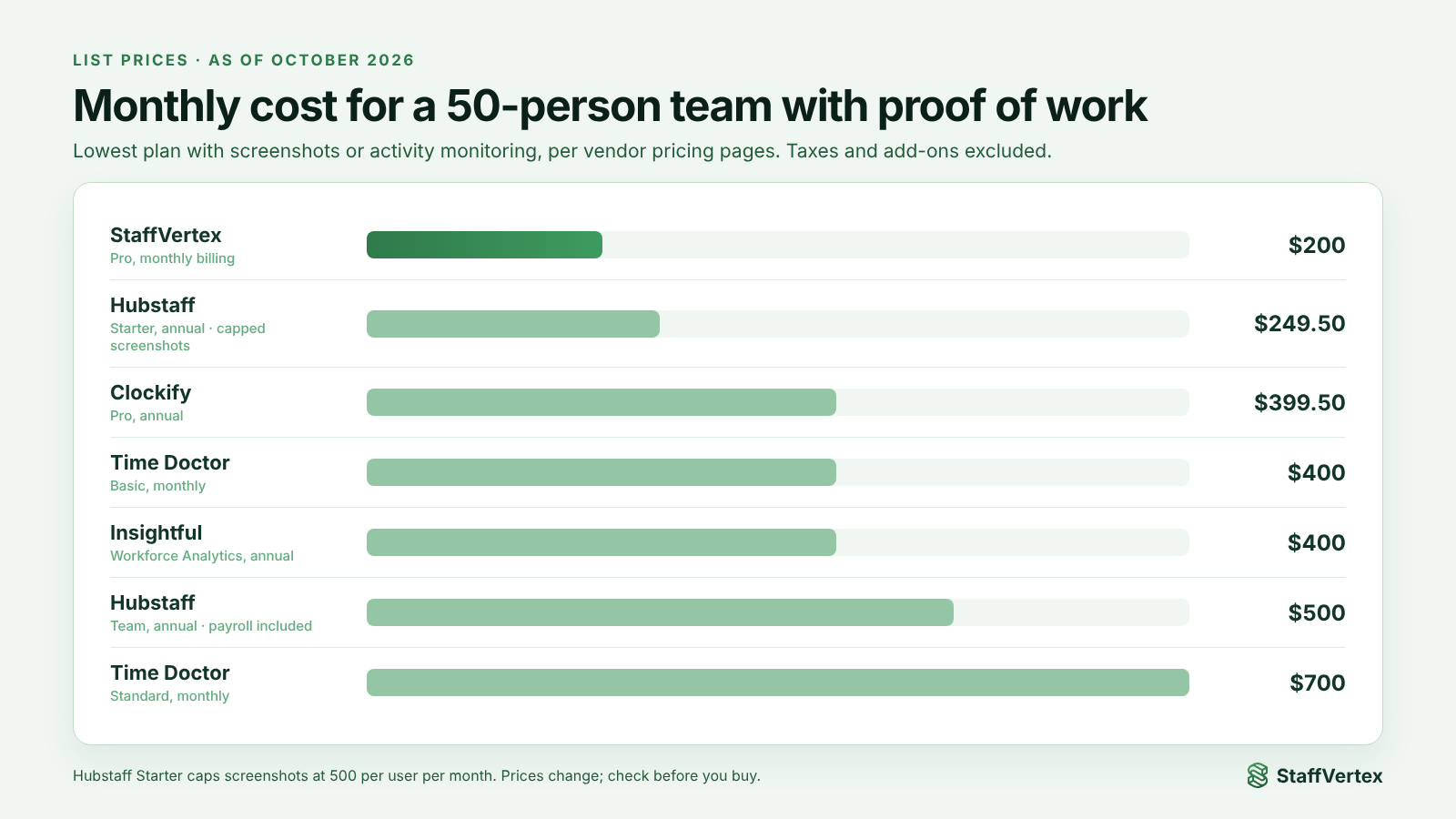
Pricing: Free for one user; Pro $4 and Business $9 per seat per month on monthly billing, with no add-ons and a further 17% off annually (pricing). A 50-person team on Pro costs $200 a month.
Consider before choosing: StaffVertex runs on Windows and macOS with a web dashboard. If your team needs mobile or GPS tracking, look at Hubstaff.
2. Hubstaff: best for mixed office, remote and field teams
Hubstaff is widely used by BPOs and virtual assistant agencies. It offers activity levels, screenshots, app and URL tracking, GPS and payroll payouts through Wise, PayPal, Gusto and Deel, with apps for Windows, macOS, Linux and mobile.
Pricing: Starter $4.99, Grow $7.50 and Team $10 per seat per month on annual billing, with a 2-seat billing minimum. There is no free plan, only a 14-day free trial.
Watch out for: screenshot and app caps on Starter (500 per seat per month) and Grow (1,500); payroll, timesheet approvals and scheduling only on Team and above; paid add-ons such as Insights and Locations.
3. Time Doctor: best for strict client proof of work
Time Doctor is popular with outsourcing firms whose clients demand heavy evidence, including video screen recording on Premium.
Pricing: Basic $8, Standard $14 and Premium $20 per user per month on monthly billing, with two months free on annual plans. New accounts get a 14-day trial of Premium features.
Watch out for: no free plan; payroll, integrations and web and app usage start on Standard; data retention is 3 months on Basic and 6 on Standard.
4. Insightful: best for large BPOs and regulated clients
Insightful targets large operations that need workforce analytics, capacity planning and optional on-premise deployment (for 250 or more licenses).
Pricing: Workforce Analytics from $8 per seat per month on annual billing; screen recording and extra screenshots as add-ons.
Watch out for: invoicing is listed as coming soon, and the analytics focus may be more than a mid-size vendor needs.
5. Clockify: best budget option for small offshore teams
Clockify is free for up to five users and inexpensive at the lower tiers, with invoicing on Standard and screenshots and activity monitoring on Pro.
Pricing: Basic $3.99, Standard $5.49, Pro $7.99 per seat per month on annual billing.
Watch out for: proof-of-work features require Pro, and the free plan limits reports to a one-month range.
Time tracking tools for outsourcing compared
StaffVertex | Hubstaff | Time Doctor | Insightful | Clockify | |
|---|---|---|---|---|---|
Offline tracking | Yes, every plan | Yes | Yes | Yes | Yes |
Screenshots | Optional, blurrable, all plans | Yes, capped below Team | Yes, all plans | Yes | Pro plan |
Video screen recording | No | No | Premium or add-on | Add-on | No |
Client invoicing | Business | Client invoicing on Starter | Not listed | Coming soon | Standard and above |
Team payroll or payslips | Payslips on Business | Payroll on Team | Payroll from Standard | Not listed | Labor cost on Pro |
Mobile and GPS | No | Yes, GPS via Locations add-on | Mobile apps | Not listed | Yes, GPS on Pro |
Free plan | 1 user | No, 14-day trial | No | No | Up to 5 users |
Monthly cost for 50 people with proof of work | $200 (Pro, monthly billing) | $500 (Team, annual) or $249.50 capped (Starter) | $400 (Basic, monthly) or $700 (Standard) | $400 (annual) | $399.50 (Pro, annual) |
Prices as of October 2026; see the sources below.
Tips for offshore vendors: turning time data into client trust
Put monitoring in the contract. Agree up front what the client will see, such as weekly hour summaries, activity levels or blurred screenshots, so expectations match from day one.
Send a weekly summary before they ask. A short report of hours by person and task every Friday answers most questions before they become concerns. Schedule it to go out automatically.
Report in the client's time zone. Label reports clearly and make sure timestamps are consistent, so a Monday in Lahore and a Monday in London do not look like different days.
Explain outages proactively. If the team lost power for an afternoon, say so, and show that offline time synced. Transparency about local conditions builds more trust than silence.
Separate change requests. Track out-of-scope work on its own task and share it before invoicing, so extra hours are agreed rather than disputed.
Keep your own team's trust too. Tell staff exactly what clients can see, keep screenshots blurred, and let people handle their own idle time. A team that feels respected stays longer, which clients value most of all.
Pay your team from the same hours. When payslips and client invoices come from one record, disputes on either side are easy to resolve.
Try StaffVertex with your offshore team
Start a free 14-day StaffVertex trial, add one client project, and send your client their first automated weekly report. No card is required.
Sources
As of October 2026; prices and features may change.